YouTube Thumbnail Design in 2026: The Complete Creator Guide
What makes a YouTube thumbnail get clicked in 2026 — background removal, subject isolation, text contrast, and the specific specs every creator should know.
By Novus Stream Solutions Editorial Team · Part of the Browser-local editing workflows topic cluster
A YouTube thumbnail has one job: get clicked. You have about half a second and around 200 pixels of width on mobile to do it.
Everything about thumbnail design flows from that constraint.
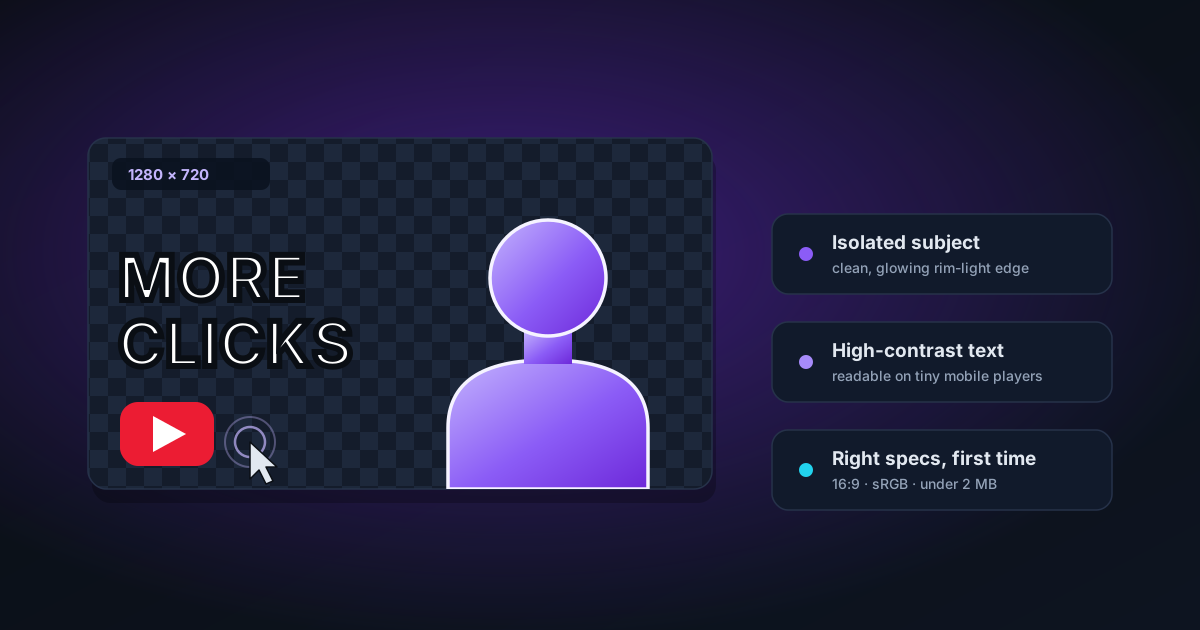
The Thumbnail Spec
Get these right before you start designing:
- Resolution: 1280 × 720 pixels (16:9 aspect ratio)
- Format: JPG, GIF (no animation), or PNG — PNG is best for sharp text and clean edges
- Max file size: 2MB
- Display size: Shrinks to as small as 196 × 110 pixels on mobile search results
That last point matters. Design at 1280 × 720 but zoom out to 20% and check it still reads clearly. If your thumbnail requires 1:1 viewing to understand, it won't perform.
What Actually Gets Clicks in 2026
YouTube's own data and independent creator research consistently point to the same patterns:
Faces work. Human faces — especially showing strong emotion (surprise, joy, fear, curiosity) — outperform text-only thumbnails by a significant margin. Close-cropped faces showing genuine reaction drive higher CTR than posed headshots.
High contrast. The feed is busy. Your thumbnail competes with dozens of others. High contrast between subject and background, and between text and the background behind it, is how you stand out.
Curiosity gap. Thumbnails that show something interesting but not the full picture outperform thumbnails that show the whole story. Show the result, not the process. Show the reaction, not the reason.
Text as accent, not explanation. If you need five words to explain your thumbnail, redesign the image. Two to four bold words maximum. The title does the heavy lifting for context.
Consistency across a channel. Viewers who watch one video recognise your next one if you have a consistent visual style. Consistent colour schemes, font choices, and layouts build brand recognition.
Why Background Removal Matters for Thumbnails
Most high-performing thumbnails follow a similar structure: subject isolated on a designed background.
The background might be:
- A solid colour (often something bright or contrasting)
- A gradient
- A designed scene relevant to the topic
- A screenshot or related image with the creator overlaid
In every case, the creator is cleanly separated from whatever is behind them. This is almost always achieved with background removal.
Why not just use a green screen? Green screens work well in professional setups, but they require consistent lighting to avoid colour spill and visible seams. AI background removal from a photo is faster, works on any subject, and produces cleaner edges for small thumbnail sizes where a slightly rough edge at full resolution is invisible anyway.
Thumbnail Background Removal: Best Practices
Photograph yourself correctly
For thumbnails specifically:
- Good lighting on your face — soft light from slightly above and to the side eliminates harsh shadows
- Neutral or contrasting clothing — wearing a colour close to your intended background makes removal harder
- Clear separation — if you're against a wall, step away from it. Distance from the background helps even without a green screen
- Sharp focus — camera focus on your face/eyes, not the background
Process in NSS Background Remover
- Upload your photo to NSS Background Remover
- Let the AI run — ORMBG (Fast mode) works well for portraits; BiRefNet (Best Quality) gives cleaner hair edges
- Check hair and shoulders in the editor — these are where edges are most visible in thumbnails
- Use Feather (2–4px) to soften edges if they look sharp or cut-out
- Export as PNG with transparency
Compose in your design tool
With a clean PNG cutout, bring it into Canva, Photoshop, Figma, or any design tool and:
- Place your designed or coloured background
- Layer your cutout on top
- Add text and graphic elements
- Export as JPG or PNG at 1280 × 720
Colour Psychology for Thumbnails
High performers by colour combination:
- Red/orange on black — high energy, drama, urgency
- Yellow on dark — visibility, optimism, stands out in search
- White on dark blue/navy — trustworthy, clear, calm
- Bright background + black text — universal readability
Avoid: Muddy mid-tones, colours that blend into YouTube's grey UI, pale text on pale backgrounds.
Consistent brand colour: Pick one or two signature colours and use them across all thumbnails. After 20 videos, viewers will recognise your thumbnail in peripheral vision.
Text on Thumbnails
Font: Bold, sans-serif. Impact, Montserrat Bold, Anton, or any heavy display font. Script fonts and thin weights don't survive compression.
Size: Text should be readable at 200px width. That usually means 80–120pt at 1280 × 720.
Contrast: White text on dark backgrounds, dark text on light backgrounds. Add a subtle drop shadow or stroke if contrast is borderline.
Word count: 2–4 words maximum. Common patterns that work:
- Numbers: "7 Things Nobody Tells You"
- Superlatives: "The WORST Mistake"
- Questions (as text, not full sentence): "REALLY Worth It?"
- Simple descriptors: "FINALLY Fixed"
The A/B Testing Approach
YouTube allows thumbnail A/B testing natively. Use it. After uploading, test two thumbnails for the first 48–72 hours and let the platform pick the winner.
Creators who test thumbnails systematically get 20–50% higher CTR over time compared to those who don't.
Quick Template: Standard Creator Thumbnail
- Background layer: Solid colour or simple gradient — pick your brand colour
- Subject layer: Cutout of you (or your subject) with clean edges, positioned right of centre
- Accent element: A relevant image, icon, or "before/after" element on the left
- Text layer: 2–3 words, bold, high contrast, positioned top-left or bottom-left
- Optional: Arrow, circle, or callout pointing at the key element
Export at 1280 × 720 as PNG, upload to YouTube.
That structure works. Iterate from there.
Checklist
- 1280 × 720 pixels, PNG or JPG, under 2MB
- Readable at 200px width
- Subject clearly separated from background
- High contrast between text and background
- 2–4 words maximum
- Consistent with your channel's visual style
- Face visible and showing expression (if applicable)
Applies to NSS Background Remover v0.2.0 — the release that was current when this article was published.
Was this article helpful?
Your answer is saved in this browser only. This control makes no network request and does not send the answer to an NSS feedback endpoint.