Category
Tutorials
27 posts
- Tutorials··7 min read
WebGPU, Explained for Creators: Why Your Browser Can Suddenly Run Real AI
You keep seeing 'WebGPU' next to AI tools. Here's what it actually is, in plain language — what changed, why it matters for editing photos and video, and how to tell if your device has it.
- Tutorials··7 min read
Stabilize Shaky Handheld Video in Your Browser (and Keep the Audio)
How in-browser video stabilization works — motion estimation, trajectory smoothing, and why a fast frame-by-frame encode beats a real-time screen recording. Plus how to keep your audio track.
- Tutorials··8 min read
How to Optimize Video for Web and Social Media — File Size, Format, and Quality Guide
A practical guide to reducing video file size, choosing the right format, and hitting platform-specific requirements for YouTube, Instagram, TikTok, and web — all in your browser.
- Tutorials··9 min read
The Complete Guide to NSS Image Utility Tools — Every Tool Explained
A full overview of every image utility in NSS — compressor, format converter, resizer, canvas extender, metadata remover, color picker, PNG optimizer, ICO creator, and more.
- Tutorials··6 min read
Portrait Blur vs Background Removal — Which One Do You Actually Need?
Portrait blur and background removal look similar in the final photo, but they serve different purposes. Here is when to use each, and when to combine them.
- Tutorials··7 min read
Free 4K Video Upscaling in Your Browser — No Upload, No Software
How to upscale video to 4K resolution for free using AI and Lanczos algorithms, entirely in your browser. What quality to expect, and when it is worth doing.
- Tutorials··6 min read
A Guide to Video Filter Presets — Cinematic LUTs in Your Browser
What cinematic filter presets do to video, which NSS presets to use for common looks, and how to apply them to any video file for free in your browser without an upload.
- Tutorials··7 min read
How to Stabilize Shaky Video in Your Browser — No Software Download Required
A complete guide to fixing handheld camera shake and walking-while-filming jitter using NSS Video Stabilizer — browser-native, no upload, no account.
- Tutorials··5 min read
How to Extend the Canvas and Add Padding Around Images (Free)
What canvas extension is, how it differs from scaling, when to use transparent vs solid padding, and practical workflows for product photography, print bleed, and compositing.
- Tutorials··6 min read
What Are Cinematic LUT Filters and How to Apply Them Free in Your Browser
A plain-language explainer on LUT (Look-Up Table) color grading — what cinematic presets like Faded Film, High Contrast, and Cool Mist actually do to your pixels, and how to apply them without Premiere or Lightroom.
- Tutorials··6 min read
How to Compress Images Without Losing Quality (JPEG & WebP Guide)
A practical guide to JPEG and WebP compression — how quality settings affect file size and visual fidelity, what sweet spots to aim for, and how to compare before and after in your browser.
- Tutorials··7 min read
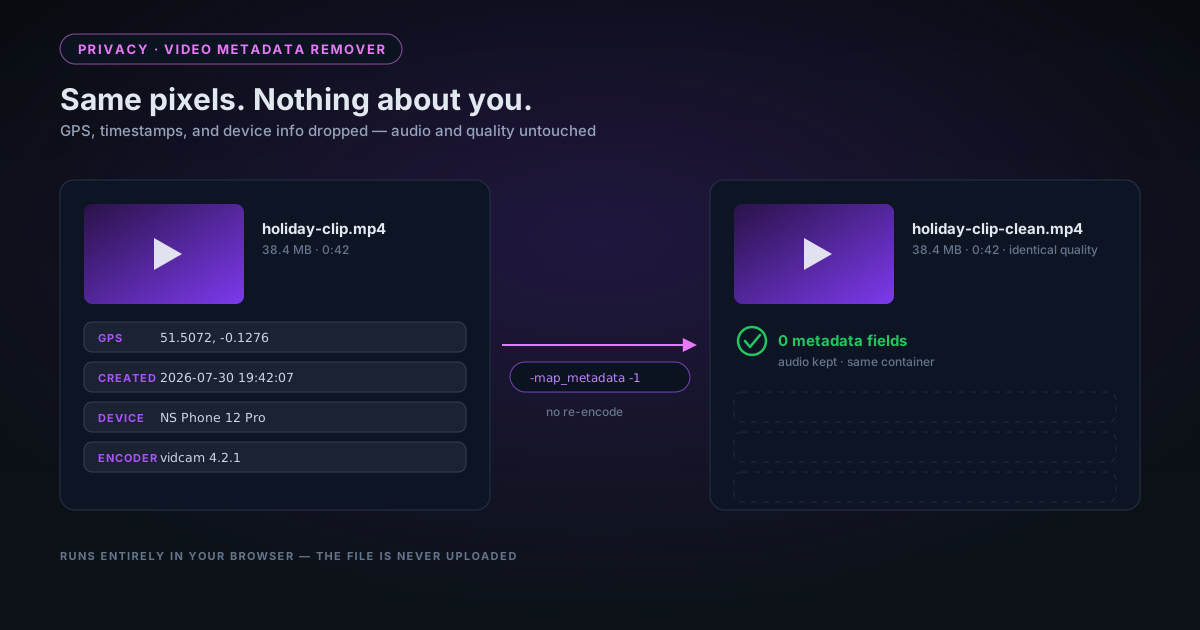
Strip EXIF Metadata from Photos Before Sharing: A Privacy Guide
What EXIF metadata is, what it reveals (including your exact GPS location), and how to remove it before uploading photos to social media, selling products online, or sending to clients.
- Tutorials··5 min read
How to Extract a Color Palette from Any Image (Free, Browser-Based)
How dominant color extraction works, what to use a palette for (brand design, UI theming, product matching), and how to copy hex codes or CSS custom properties directly from any photo.
- Tutorials··5 min read
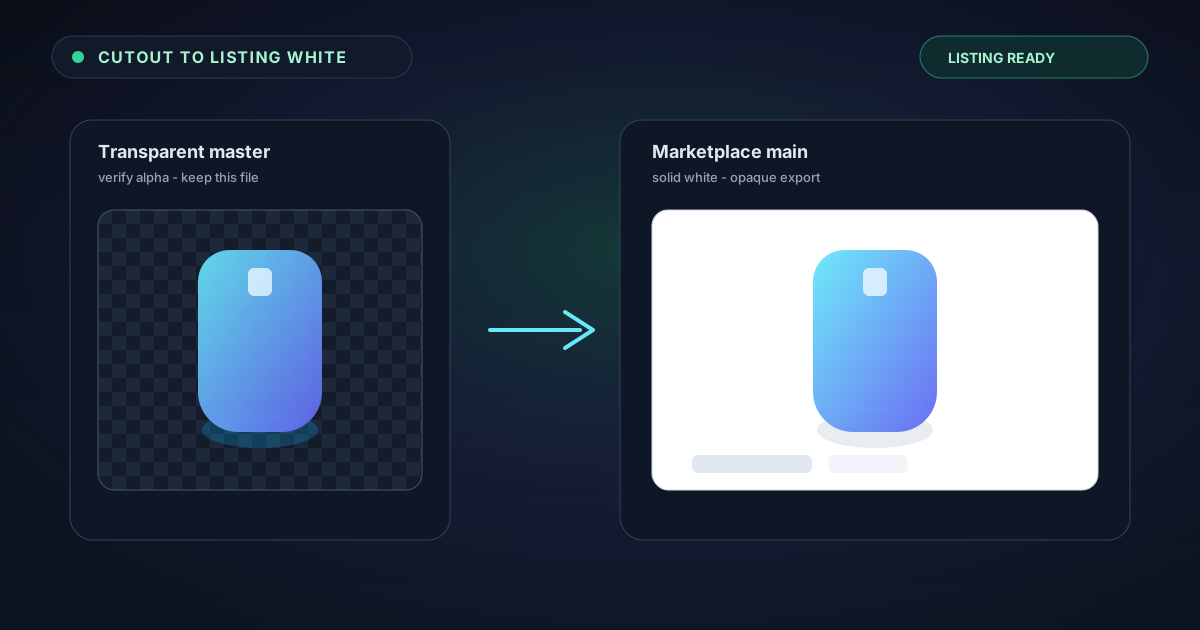
How to Add a Background to a Transparent PNG (Solid, Gradient, or Checkerboard)
After removing the background from an image, you often need to add a new one — for product listings, presentations, or social media. This guide covers solid fills, gradients, and compositing in the browser.
- Tutorials··4 min read
Rotate and Flip Images for Free — Lossless PNG Output in Your Browser
When to rotate vs flip, how lossless rotation works for PNGs (no re-compression), and quick tips for correcting photo orientation for e-commerce listings and social media.
- Tutorials··9 min read
AI Image Upscaler Guide: When to Use 2× vs 4× Super-Resolution
A practical guide to AI super-resolution upscaling — how Swin2SR works, when to use 2× vs 4×, what to expect for different image types, and tips for best results.
- Tutorials··8 min read
Removing Backgrounds from Products in Clear or Transparent Packaging
Clear plastic bags, glass jars, and transparent boxes are among the hardest subjects for AI background removal. Here's what works, what doesn't, and how to get the best result.
- Tutorials··7 min read
Pet Photography Tips for Better Background Removal Cutouts
How to photograph dogs, cats, and other pets so that AI background removal works well — lighting, contrast, fur colour, and backgrounds that make clean cutouts much easier.
- Tutorials··9 min read
YouTube Thumbnail Design in 2026: The Complete Creator Guide
What makes a YouTube thumbnail get clicked in 2026 — background removal, subject isolation, text contrast, and the specific specs every creator should know.
- Tutorials··10 min read
Working with Transparent PNGs in Photoshop: The Definitive Guide
Everything you need to know about transparent PNGs in Photoshop — why they show black, how straight vs premultiplied alpha works, and how to verify your export has true transparency.
- Tutorials··7 min read
Working with Transparent PNGs in Figma: Import, Export, and Troubleshooting
How to correctly import and use transparent PNGs in Figma — why edges sometimes look wrong, how to check alpha quality, and the best export settings for UI assets.
- Tutorials··6 min read
Working with Transparent PNGs in Canva: Upload, Use, and Export
How to bring transparent PNGs into Canva without losing quality, position them correctly, and export designs that maintain transparency for print and digital.
- Tutorials··8 min read
Batch Processing Product Photos: How to Remove Backgrounds from 100+ Images
A practical workflow for batch background removal on product photos — how to organise, process, and export dozens or hundreds of images efficiently without a subscription.
- Tutorials··7 min read
PNG vs WebP vs AVIF: Which Format Should You Use for Transparent Images?
A practical comparison of PNG, WebP, and AVIF for images with transparency — file sizes, browser support, tool compatibility, and which to choose for different use cases.
- Tutorials··7 min read
From One Photo to a Whole Sticker Pack: Cutouts, Emojis, and Avatars
Your dog, your face, your product mascot — one good photo can become a sticker pack, a set of custom emojis, and a clean avatar. Here's the playful, practical workflow for turning a single image into social-ready cutouts, all in your browser.
- Tutorials··9 min read
Processing Hundreds of Images in the Browser Without Crashing the Tab
Cutting out 50 images is easy. Doing 500 is a different problem — memory, tab throttling, and what happens when a browser runs out of RAM mid-job. A practical playbook for high-volume batch runs that actually finish.
- Tutorials··8 min read
Rescuing Tiny, Low-Res Photos: Upscaling Old Images to 4K in Your Browser
That 640×480 photo from a 2006 digital camera doesn't have to stay small. A practical guide to AI upscaling old, low-resolution images to print-and-display size on your own device — what it can recover, what it can't, and the order of operations that works.