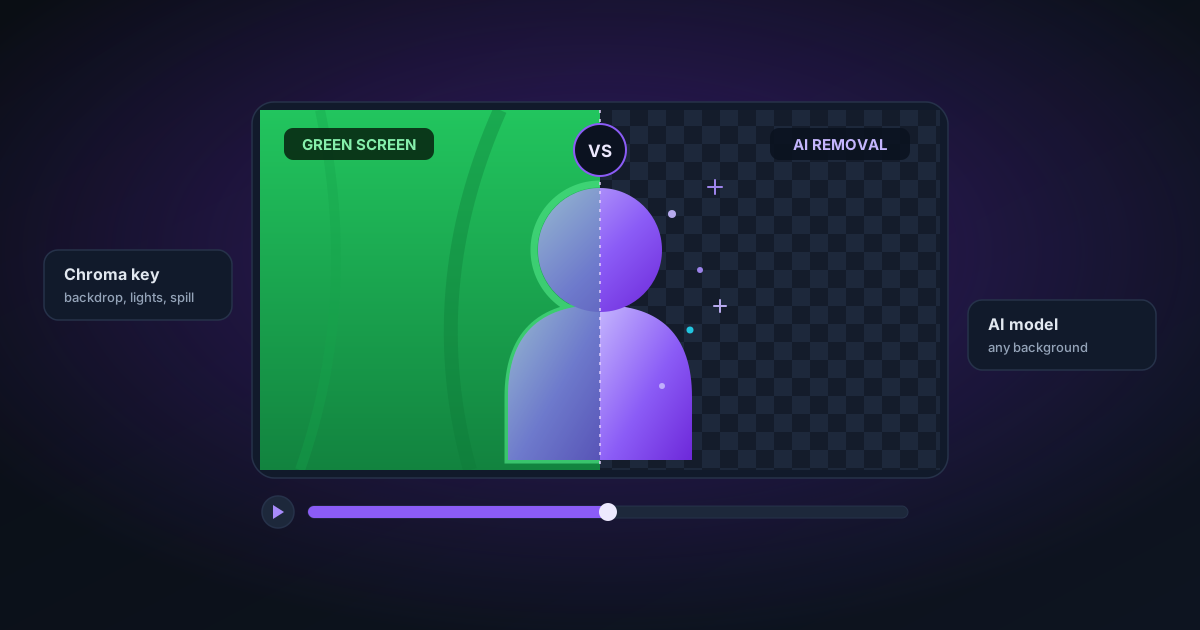
AI Video Background Removal vs Chroma Key — Which Is Better in 2026?
Chroma key (green screen) has been the standard for decades. AI background removal is the new alternative. Here is a direct comparison of both approaches for video production in 2026.
By Novus Stream Solutions Editorial Team · Part of the Publishing and marketplace requirements topic cluster
Green screen and chroma key have been the professional standard for video background removal for decades. AI-based background removal is now a credible alternative for many use cases. Here is a direct comparison.
How chroma key works
Chroma key works by selecting a specific colour (almost always green or blue) and making those pixels transparent. A calibrated green screen with even lighting produces a very clean key — the entire background disappears cleanly regardless of how complex the foreground is.
The trade-offs are setup costs: you need a physical green screen, even lighting across it, and you cannot wear green. Hair and semi-transparent objects still cause edge bleed unless you use a dedicated keyer with spill suppression.
How AI background removal works
AI models like ORMBG and BiRefNet are trained to identify foreground subjects and produce soft-edge alpha masks. They work on any background — no green screen required. The model looks at local colour and texture to decide what is foreground and what is background.
AI background removal runs per-frame in video mode, with temporal smoothing applied between frames to prevent mask flicker.
Direct comparison
Setup requirements
Chroma key: Requires a physical green/blue screen, lighting setup to eliminate shadows and wrinkles, and software that supports keying (Premiere, Final Cut, DaVinci Resolve, OBS).
AI background removal: Requires nothing. Upload a video file (or use a live webcam feed) and the model runs in the browser. Works on location, indoors, outdoors — any setting.
Edge quality
Chroma key (calibrated): Excellent. With proper lighting and a clean key, edges are crisp even on complex hair. Spill suppression handles the green tint on hair edges.
Chroma key (uncalibrated): Poor. Uneven lighting, wrinkled screens, and reflective clothing all cause incomplete keying with visible fringe.
AI background removal (Best Quality / BiRefNet): Good to excellent on distinct subject/background separation. Hair and fine fabric handled well. Challenging cases: complex backgrounds with similar colours to the subject, fast motion.
AI background removal (Fast / ORMBG): Good for clean backgrounds. Less accurate on complex hair in crowded scenes. Temporal smoothing reduces mask flicker but does not fully eliminate it at 30fps.
What happens with green clothing
Chroma key: Green clothing disappears. This is the most common chroma key failure mode.
AI background removal: No issue. The model segments by subject identity, not by colour. A person wearing green in front of a concrete wall will key correctly.
What happens with glass, water, and semi-transparent objects
Chroma key: Glass shows green tint, water is completely removed. Without dedicated transparency reconstruction, you lose these materials.
AI background removal: The NSS model has a post-processing pass for glass, plastic, and acrylic that attempts to preserve partial transparency. Results vary depending on the subject.
Speed
Chroma key in software: Real-time (OBS, Zoom, etc.) or near-real-time in NLE software.
AI background removal (NSS live camera): ~10fps at 720p on a modern laptop with WebGPU. Suitable for streaming but not for high-motion broadcast production.
AI background removal (video file): Slower than real-time — approximately 1–3 seconds per frame on a mid-range GPU in WASM/WebGPU mode. For a 2-minute video at 24fps, expect 5–30 minutes of processing.
Privacy
Chroma key: Video is processed locally in software (Premiere, OBS). No upload.
AI background removal (NSS): Fully local — video is processed in your browser with no upload. The model runs on your device using WebAssembly or WebGPU.
Cost
Chroma key: Initial setup cost ($20–$500 for a screen and lights). Software may be free (OBS) or subscription (Premiere).
AI background removal (NSS): Free. No subscription, no account.
When to use each
| Use case | Recommendation |
|---|---|
| Professional broadcast / film | Chroma key — best quality, proven workflow |
| Streaming from a fixed location | Either — green screen if setup is permanent, AI for flexible setup |
| Location footage with no green screen | AI background removal |
| Wearing green or blue | AI background removal |
| High-volume video production | Chroma key at the production stage |
| One-off video file cleanup | AI background removal via NSS |
| Privacy-sensitive content | AI (local) or chroma key with local NLE |
The practical bottom line
Chroma key still wins on raw edge quality when the setup is calibrated. But AI background removal has eliminated the barrier to entry. For most content creators, the ability to remove backgrounds from any video without a green screen setup is more valuable than marginal edge quality improvements.
If you have footage shot on a clean, distinct background and need maximum quality, Best Quality (BiRefNet) mode in the NSS video background remover is worth trying before you rent a green screen. For anything shot on a complex background, professional chroma key is still the right answer.
Try the NSS Video Background Remover — it processes your video entirely in your browser.
Applies to NSS Background Remover v2.4.0 — the release that was current when this article was last updated.
Was this article helpful?
Your answer is saved in this browser only. This control makes no network request and does not send the answer to an NSS feedback endpoint.