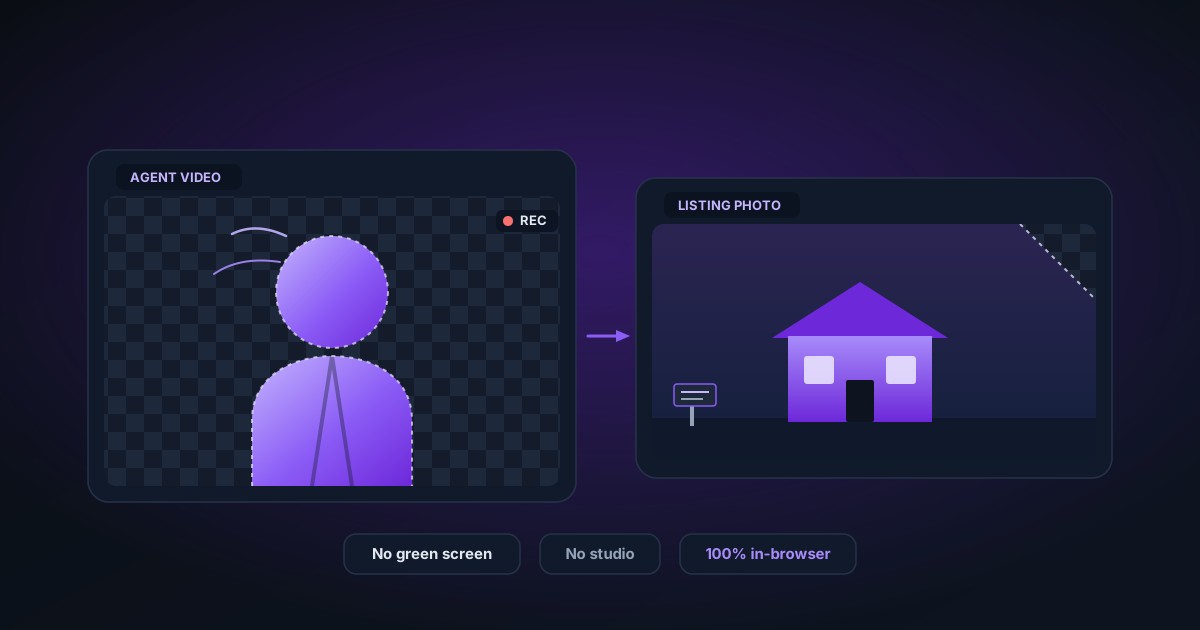
Background Removal for Real Estate Photos: Agent Videos and Property Shots
How real estate professionals use AI background removal to create cleaner agent introduction videos and property listing photos — without a studio or green screen.
By Novus Stream Solutions Editorial Team · Part of the Publishing and marketplace requirements topic cluster
Background Removal for Real Estate Photos: Agent Videos and Property Shots
Real estate marketing lives or dies by visual quality. A blurry, cluttered background in an agent introduction video or a distracting wall colour behind a product shot costs credibility instantly. The challenge: most agents don't have a studio budget, and video production agencies charge hundreds per shoot.
AI background removal changes that calculation. Record anywhere, remove the background, replace it with branded assets or the property itself. Here's how to do it using NSS — entirely in your browser, for free.
Agent Introduction Videos
The problem: Agent intro videos recorded at home or in the office often have messy bookshelves, distracting artwork, or unprofessional-looking spaces in the background.
The solution: Record against any surface, process in Video Background Remover, and composite over a branded backdrop in the Video Editor.
Step by step
-
Record your introduction — Any camera works. For best results, film with consistent indoor lighting (avoid harsh shadows, bright windows directly behind you).
-
Upload to Video BG Remover — Go to the Video Background Remover, drop your MP4 or MOV file, and select Transparent as the output. This gives you a WebM file with full alpha channel — maximum flexibility for compositing.
-
Open in Video Editor — Once processing is done, click Edit in Video Editor. In the Video Editor:
- Select Image as the background type
- Upload your agency branding backdrop (a branded graphic with your logo, colours, and contact info)
- Adjust colour grading if needed for natural skin tones
- Add a text overlay with your name and title
- Use timeline trim to cut to the exact length
-
Export — Export as MP4 at 1080p. Upload directly to your MLS platform, YouTube, or embed on your website.
Property Listing Photos
The problem: Listing photos sometimes have distracting elements in the background (a parked car blocking the exterior, a bright window washing out an interior shot, a personal item that shouldn't be in the frame).
The solution: Use the Image Background Remover to cleanly isolate architectural elements, then composite on cleaner backgrounds.
Tips for architectural shots
- Exterior shots: Remove distracting background elements (power lines, neighbouring structures) by isolating the building and compositing on a clean blue sky.
- Interior shots: Remove the view through windows to replace blown-out white sky with a proper exterior view.
- Floor plan graphics: Use transparent PNGs for consistent floor plan overlays on listing documents.
Virtual Tour Content
For virtual tour-style videos where an agent appears as a floating presenter over property footage:
- Record the agent introduction as above → process to transparent WebM
- In the Video Editor, set the background to a property photo or exterior video screenshot
- Position the presenter in the lower portion of the frame
- The result looks like a professional split-screen without any editing software
Batch Processing Multiple Properties
The image tool supports batch processing — upload up to 20 photos at once. Useful for processing a full property photo set (exterior, kitchen, living room, bathrooms) in a single session.
Use the batch export (ZIP download) to get all processed images at once, ready for upload to your listing platform.
Tips for Best AI Results
- Shoot against a simple background — even a plain wall gives the AI much cleaner edges than a busy room
- Good lighting — even, diffuse lighting (overcast day for exterior shots, softbox or bounced flash for interiors) produces the cleanest masks
- High resolution — shoot at your camera's full resolution; you can always downscale, but the AI needs detail to work with on architectural edges
Related Tools
- Video Background Remover — for agent intro videos
- Video Editor — background replacement, text overlays, and export
- Image Background Remover — for property listing photos
- Image Editor — add professional depth to headshot photos
Applies to NSS Background Remover v2.4.0 — the release that was current when this article was last updated.
Was this article helpful?
Your answer is saved in this browser only. This control makes no network request and does not send the answer to an NSS feedback endpoint.