Tag
“on-device ai”
11 posts
 Tutorials··10 min read
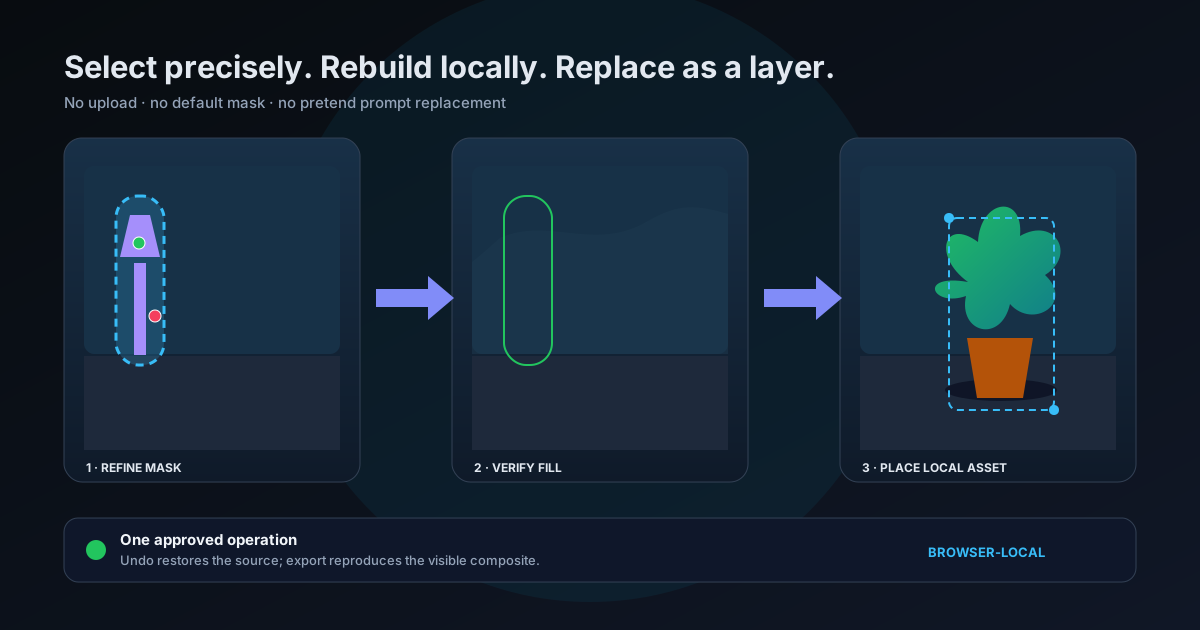
How to Remove and Replace Objects in Photos Without Uploading Them
A precise browser-local workflow for selecting an object, refining its mask, reconstructing the space it occupied, and placing a real replacement asset as an editable layer — without sending the photo to a server.
 Tutorials··11 min read
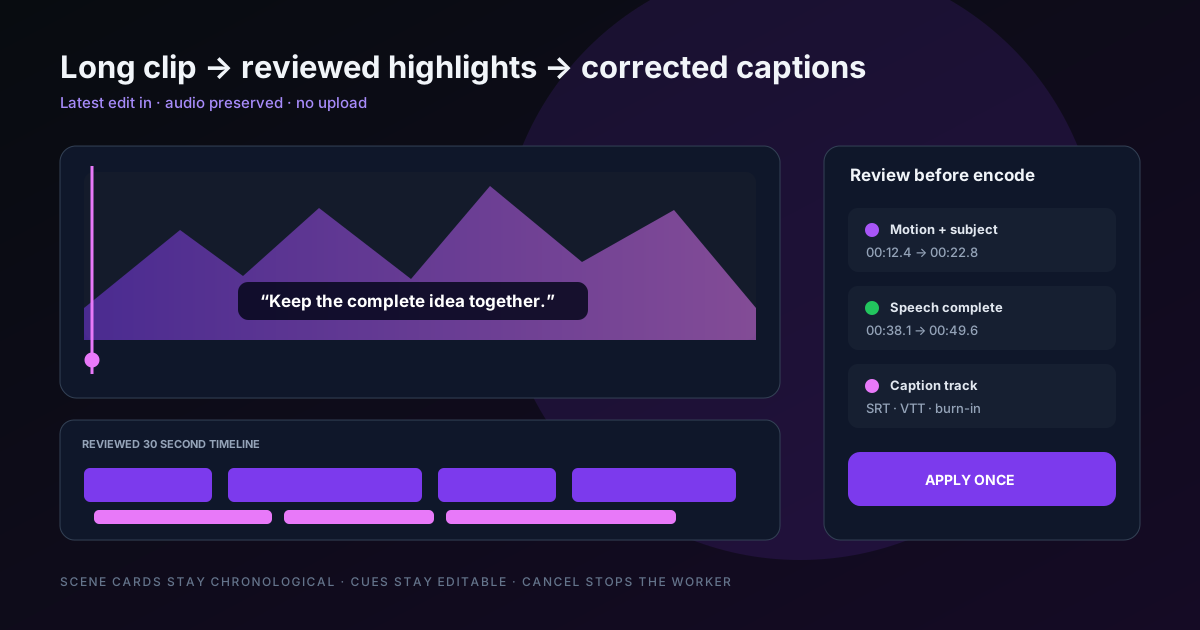
From Long Video to Captioned Highlights: A Browser-Local Workflow
Turn a long clip into reviewed highlight ranges, transcribe its latest edited audio, correct timed captions, and export a shorter captioned result while keeping the work on your device.
- Tutorials··9 min read
Restoring an Old Family Photo, End to End: Face First, Then Colour
A complete in-browser workflow for a scanned family print — neutralise the paper, rebuild the face with GFPGAN (one per run), then colourise with DDColor. Including the part that decides whether you should use the result at all: what 'restore' does and does not recover.
 Technical Deep Dives··9 min read
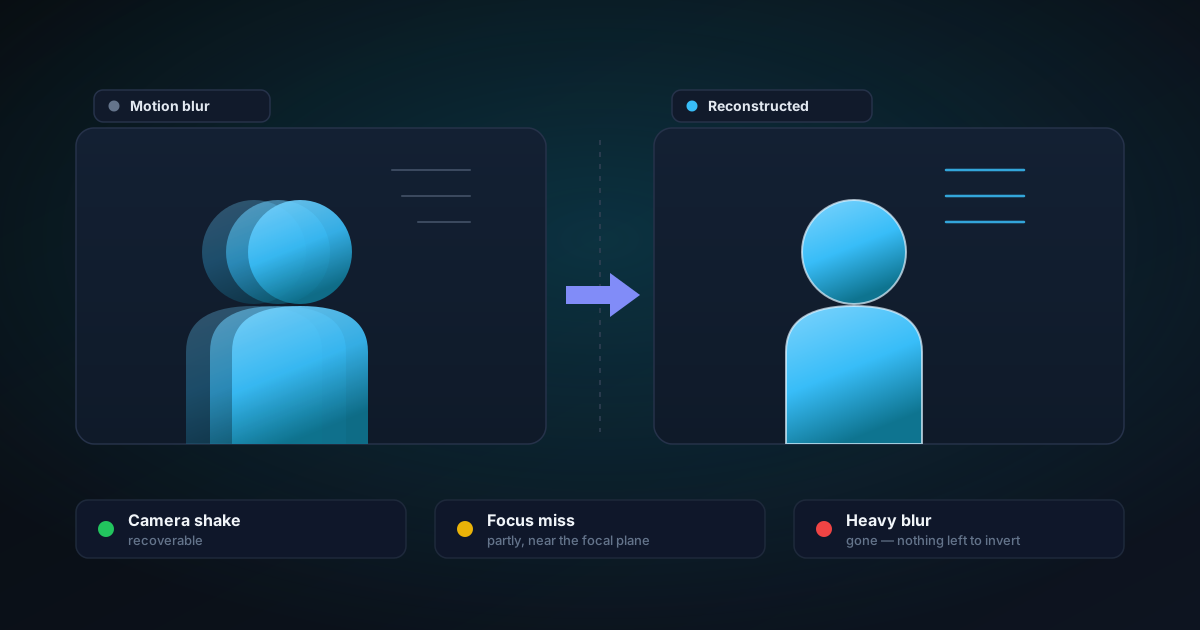
Which Blurs Can Be Recovered, and Which Are Simply Gone
Camera shake, focus miss, subject motion and noise all look like 'blurry' and only some of them are reversible. Here is what a deconvolution model can actually put back, the resolution trade the tool makes to run in a browser tab, and how to tell in advance whether a photo is worth the attempt.
 Tutorials··9 min read
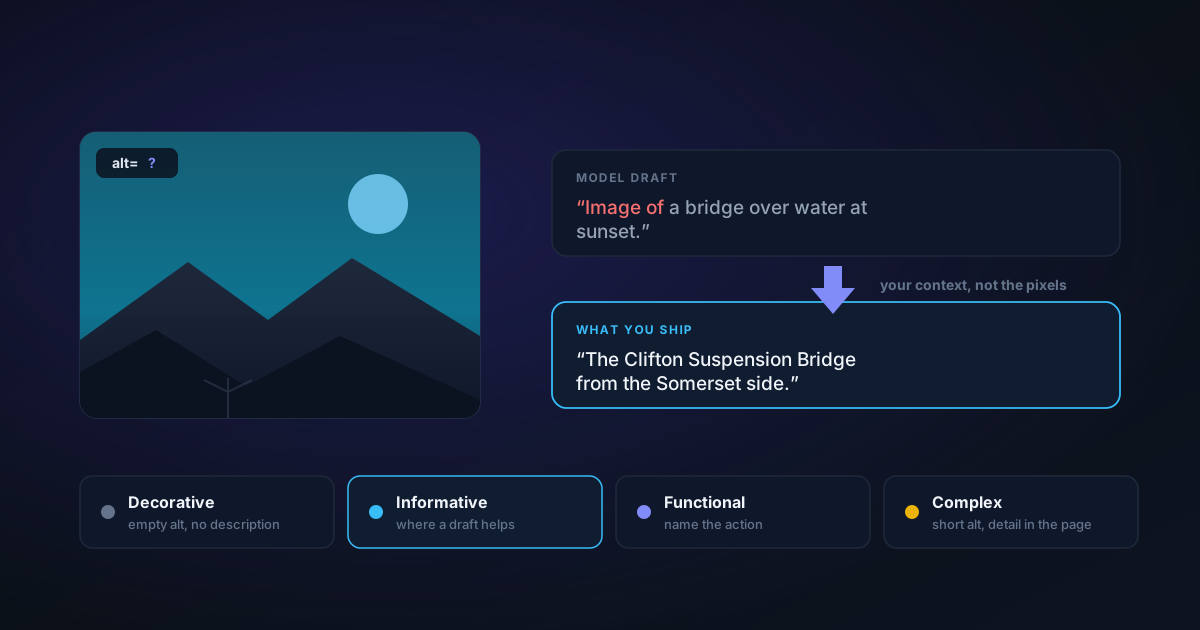
Writing Alt Text That Actually Helps — and Where an AI Caption Fits
Most images ship with no alt text because there are a hundred of them and no time. A captioning model that runs on your device fixes the blank-page problem but not the hard part. Here is the decision that comes before the writing, what the model can and cannot know, and the edit pass that turns a caption into alt text.
 Tutorials··8 min read
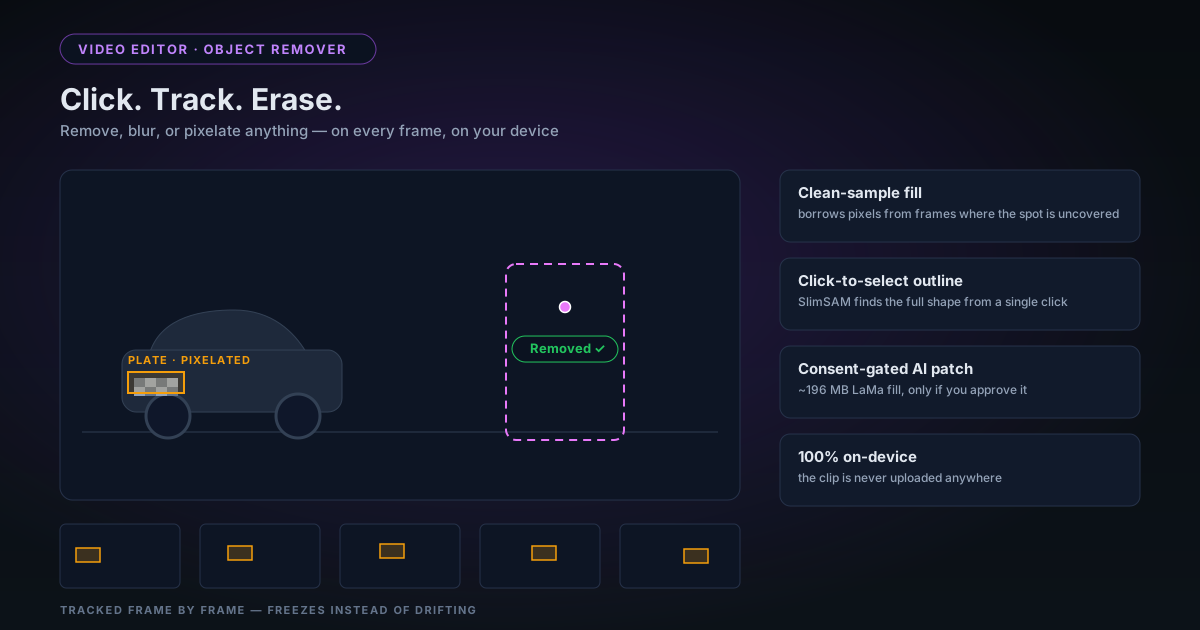
Removing Unwanted Objects from Video in Your Browser: Click, Track, Erase
The rebuilt object remover in the NSS Video Editor lets you click an object to select its full outline, draw a box, or auto-detect licence plates — then remove, blur, or pixelate it across the clip, entirely on your device. Here is how the selection, tracking, and fill actually work, and where the honest limits are.
 Product & Mission··8 min read
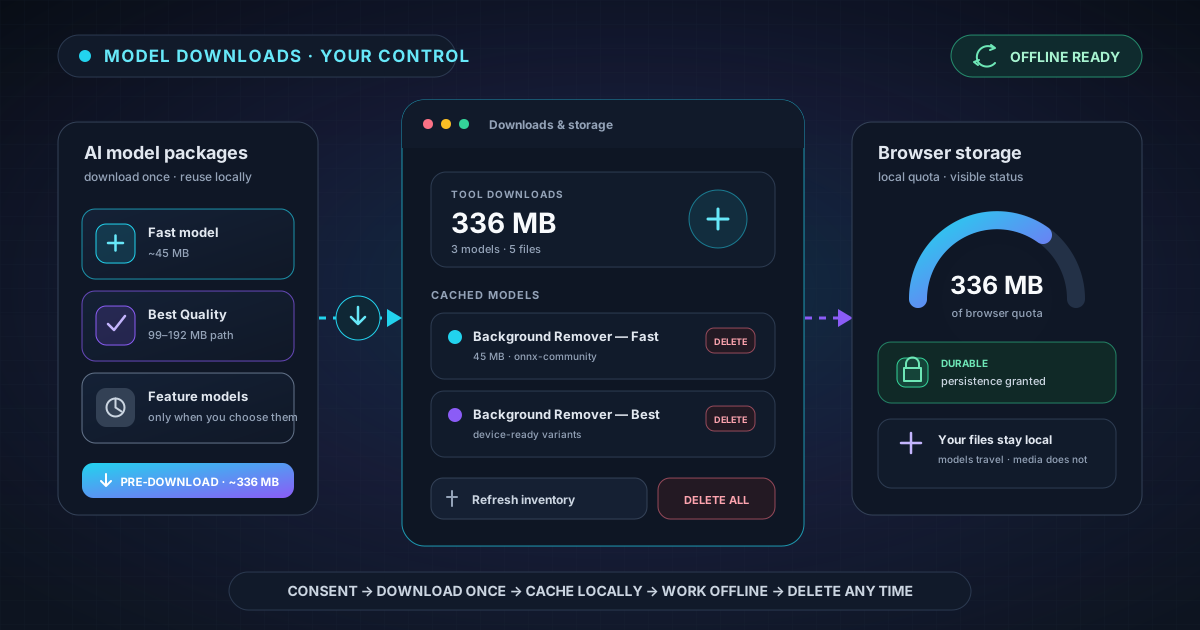
Why AI Models Download Once — and How to Keep Them Ready Offline
Learn why on-device AI needs a first-run model download, what NSS stores in your browser, how pre-download and durable storage prepare background removal for offline use, and how to reclaim space safely.
 Technical Deep Dives··9 min read
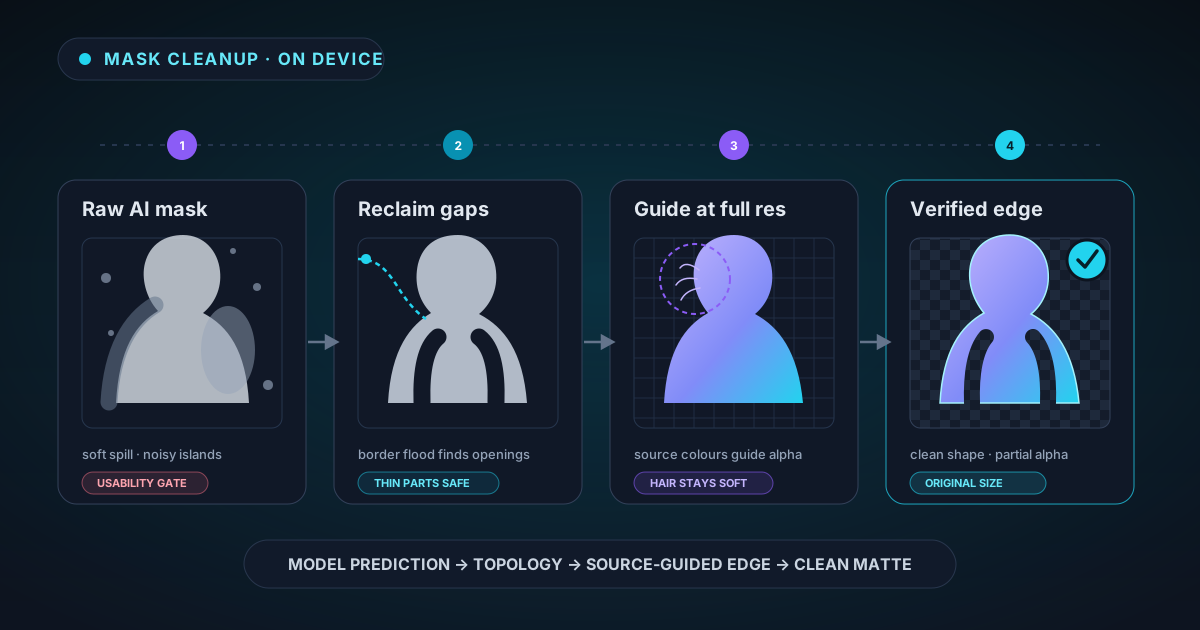
The AI Mask Is Only the First Draft: Inside Our Cleanup Pipeline
The neural network is only the first stage of a clean cutout. See how NSS validates the raw mask, protects openings and thin structures, restores full-resolution edges, preserves hair, removes studio spill, and branches safely for glass.
 Product & Mission··8 min read
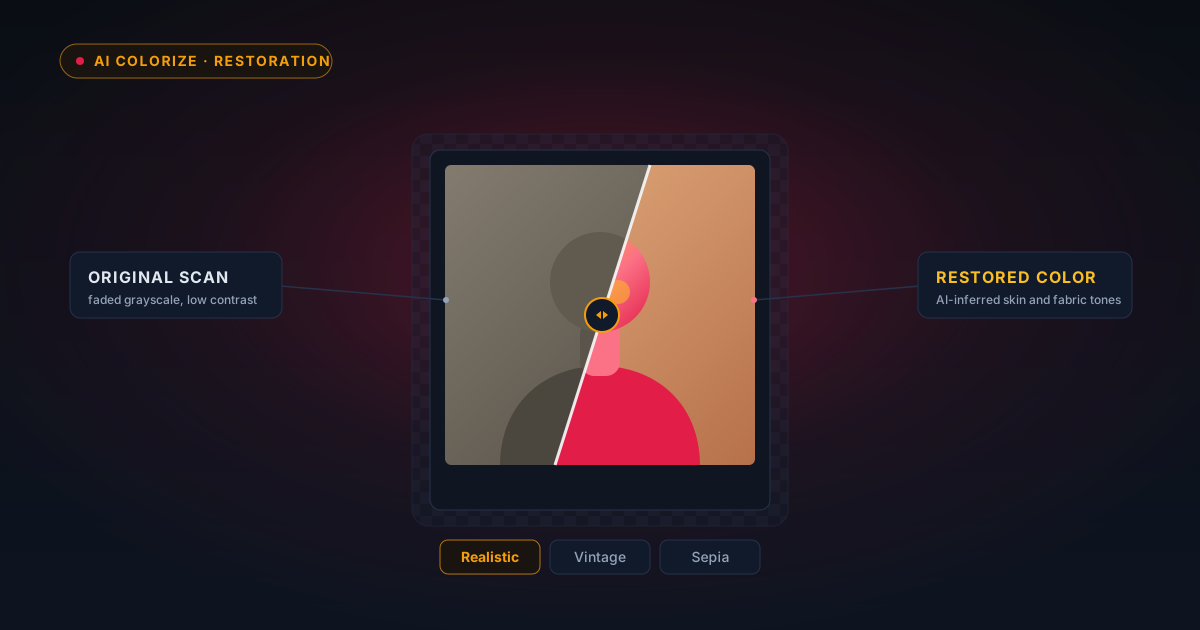
Colourising Old Black-and-White Family Photos in Your Browser
Old family photos in black and white can be brought back to colour in your browser — no upload, no account. Here is how AI colourising actually works, an honest look at what it can and cannot recover, and a gentle workflow for the photos that matter most.
 Technical Deep Dives··9 min read
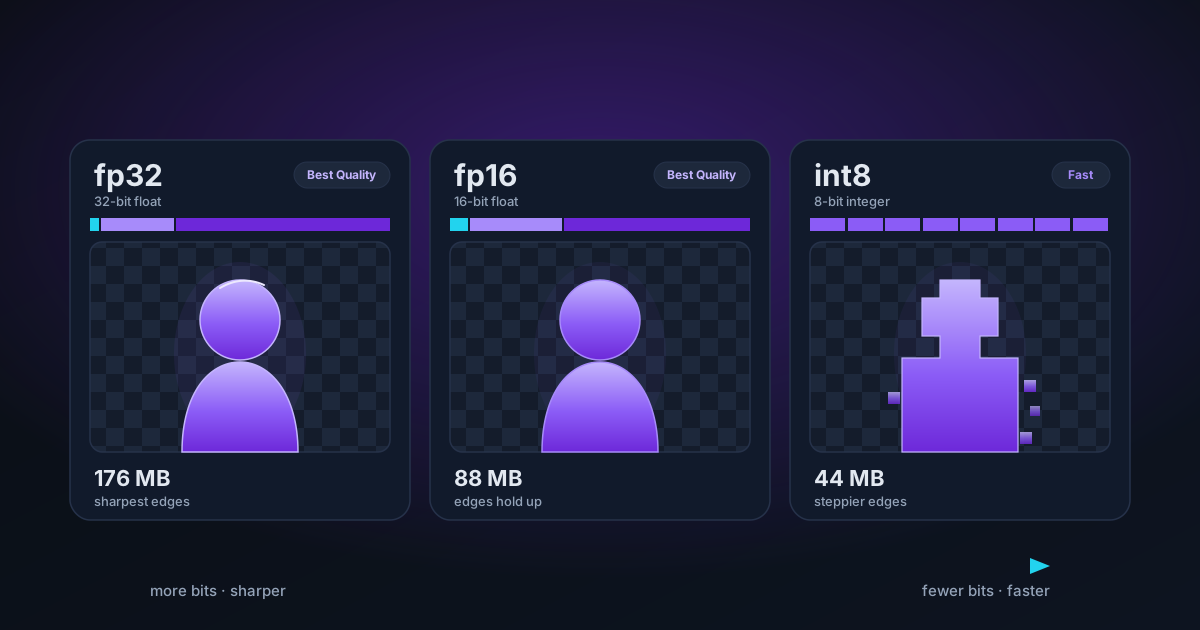
fp32, fp16 and int8: What Model Precision Means for Your Cutouts
Fast or Best Quality? The real difference is how many bits each number in the model uses. Here's what fp32, fp16 and int8 do to your cutout's size, speed and edges.