Tag
“transparent png”
10 posts
 Technical Deep Dives··8 min read
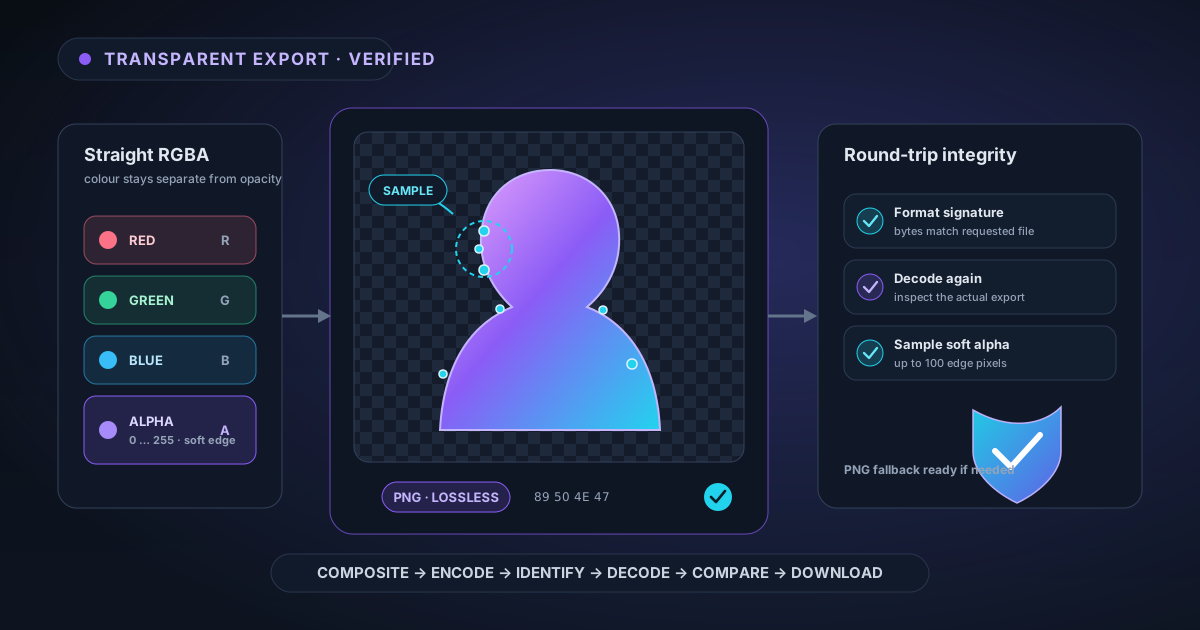
How NSS Verifies a Transparent Export Before You Download It
A checkerboard preview is not proof that a file contains usable transparency. Here is how NSS keeps straight alpha intact, verifies the encoded format, decodes the export again, samples soft-edge pixels, and falls back safely when PNG integrity fails.
 Tutorials··8 min read
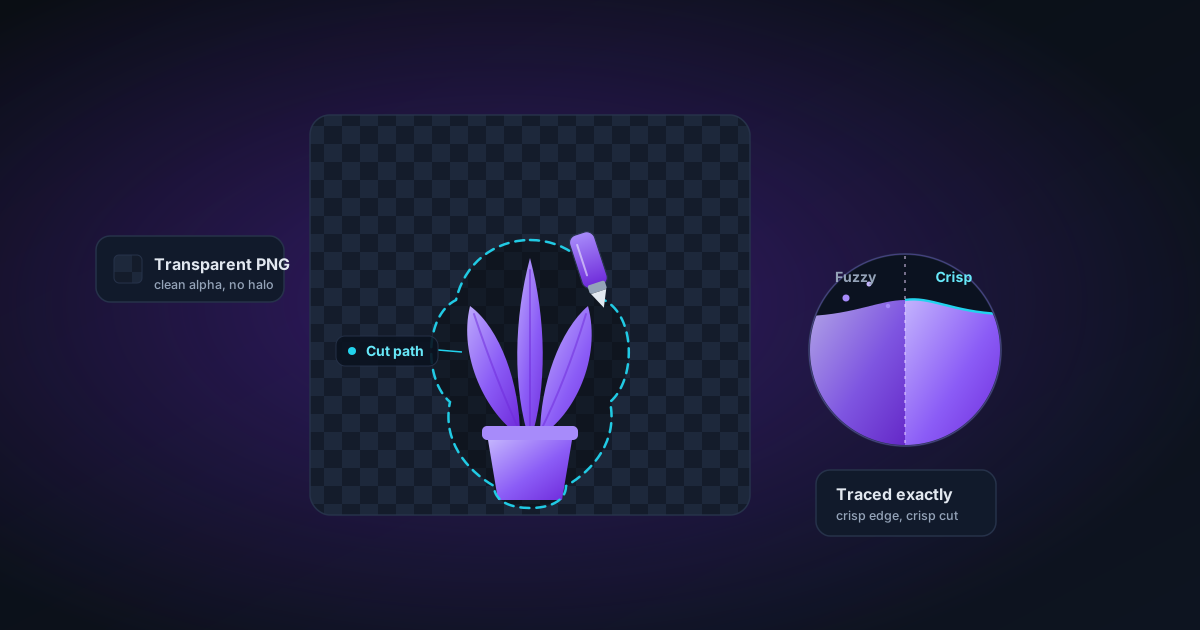
From Photo to Cut File: Prepping Clean Cutouts for Cricut and Silhouette
Cutting machines trace the edge of your image exactly, so a fuzzy cut-out becomes a fuzzy sticker. How to prep a clean transparent PNG for crisp Cricut and Silhouette cuts.
 Tutorials··8 min read
Prepping VTuber and Avatar Assets: Transparent PNGs That Layer Cleanly
VTuber and PNGtuber rigs are stacks of transparent layers. Here's how to cut expression sprites that share one anchor, lose the white halo, and never twitch on a scene swap.
 Tutorials··9 min read
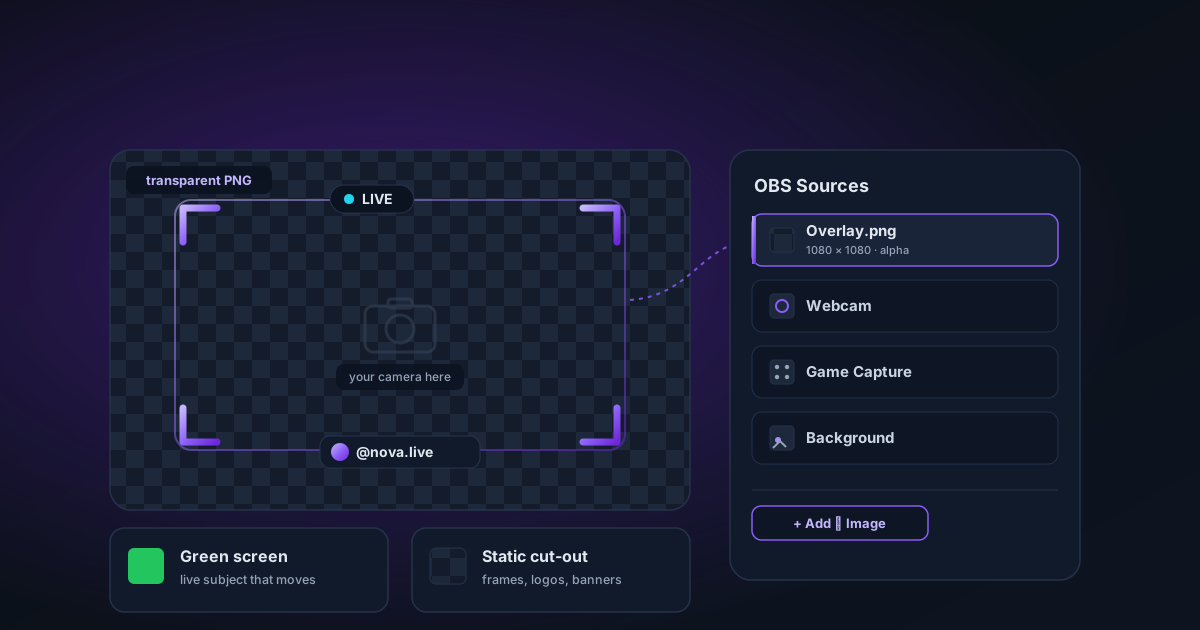
Building Transparent PNG Overlays for OBS and Live Streaming
Design a webcam frame, export a clean transparent PNG, and layer it into OBS as an image source — plus when a real green screen beats a static cut-out, and where each one wins.
 Tutorials··5 min read
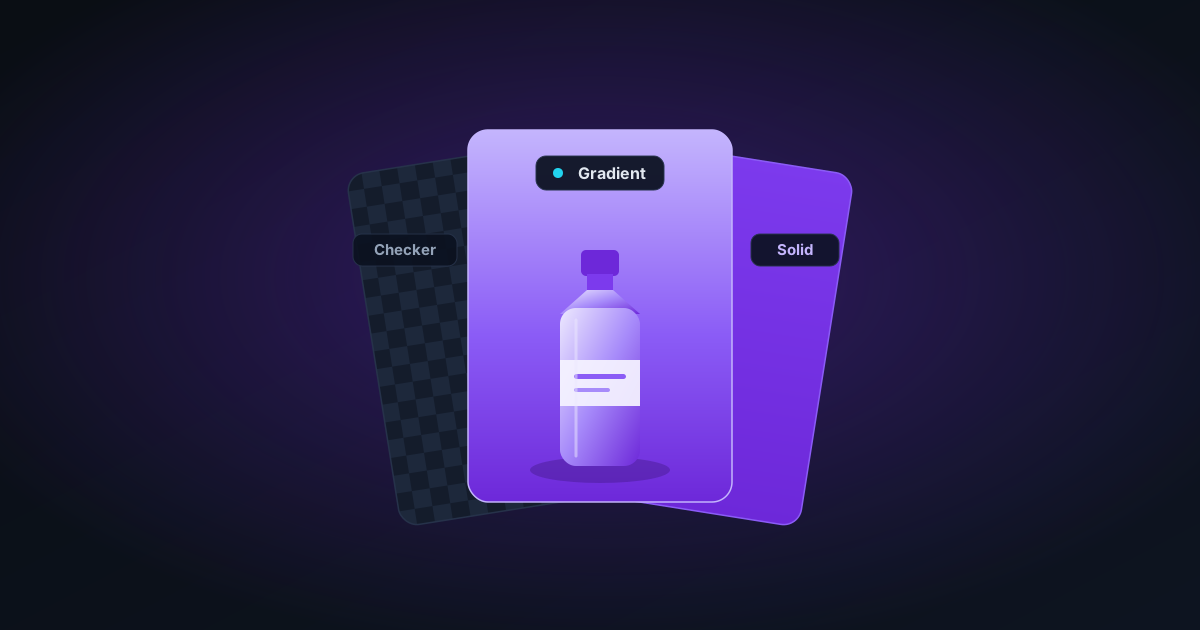
How to Add a Background to a Transparent PNG (Solid, Gradient, or Checkerboard)
After removing the background from an image, you often need to add a new one — for product listings, presentations, or social media. This guide covers solid fills, gradients, and compositing in the browser.
 Tutorials··10 min read
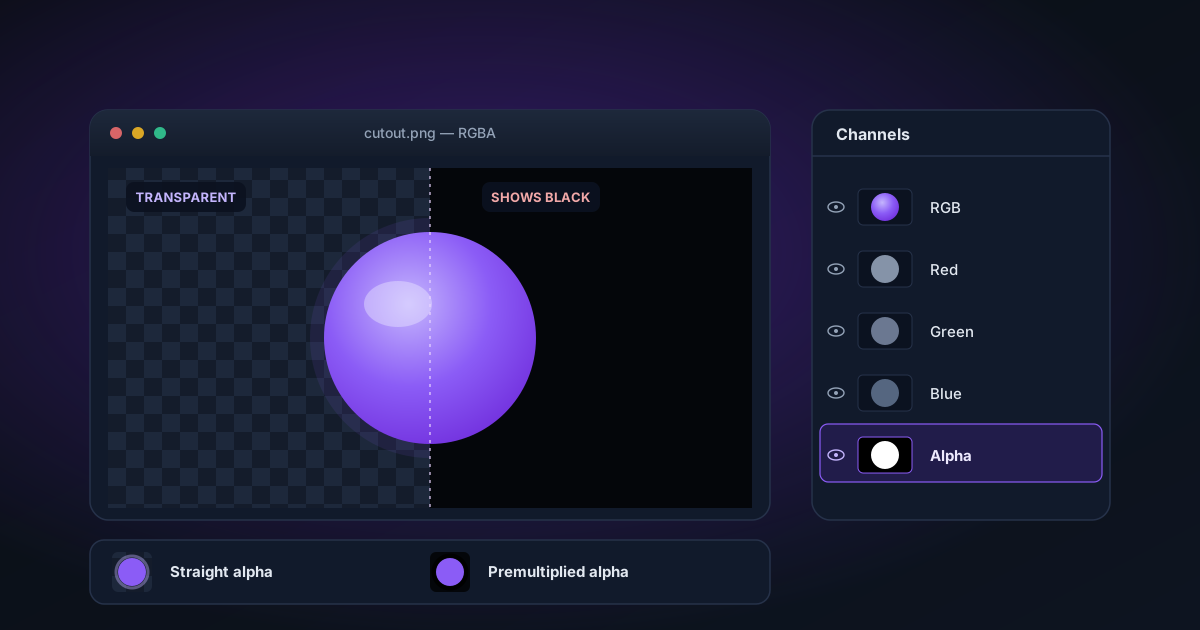
Working with Transparent PNGs in Photoshop: The Definitive Guide
Everything you need to know about transparent PNGs in Photoshop — why they show black, how straight vs premultiplied alpha works, and how to verify your export has true transparency.
 Tutorials··7 min read
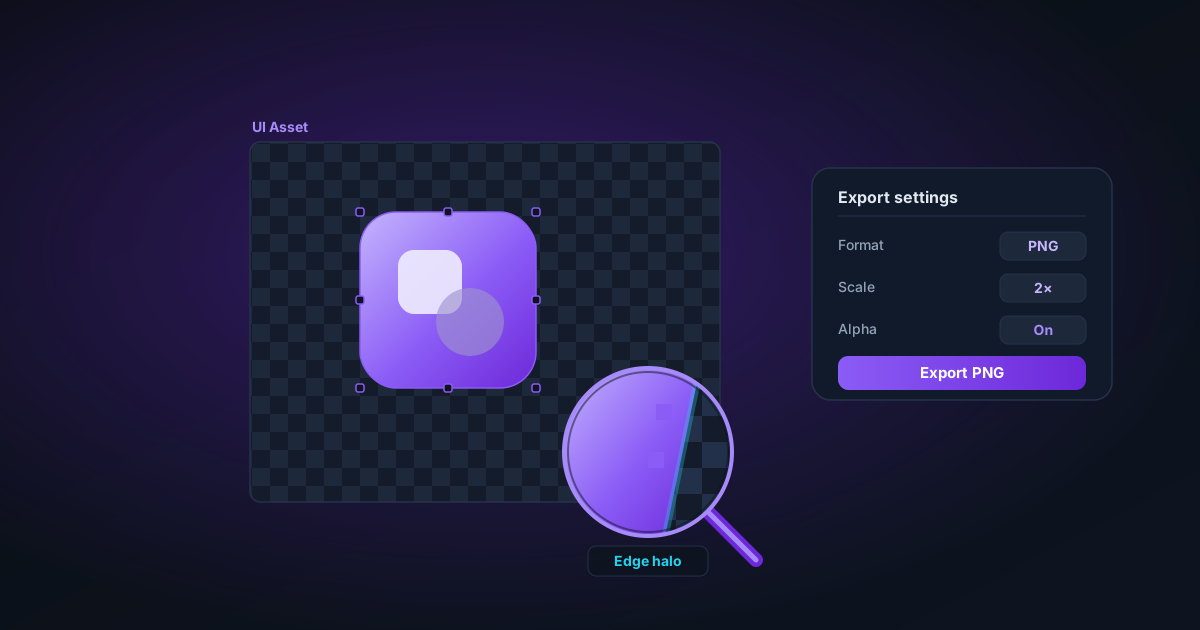
Working with Transparent PNGs in Figma: Import, Export, and Troubleshooting
How to correctly import and use transparent PNGs in Figma — why edges sometimes look wrong, how to check alpha quality, and the best export settings for UI assets.
 Tutorials··6 min read
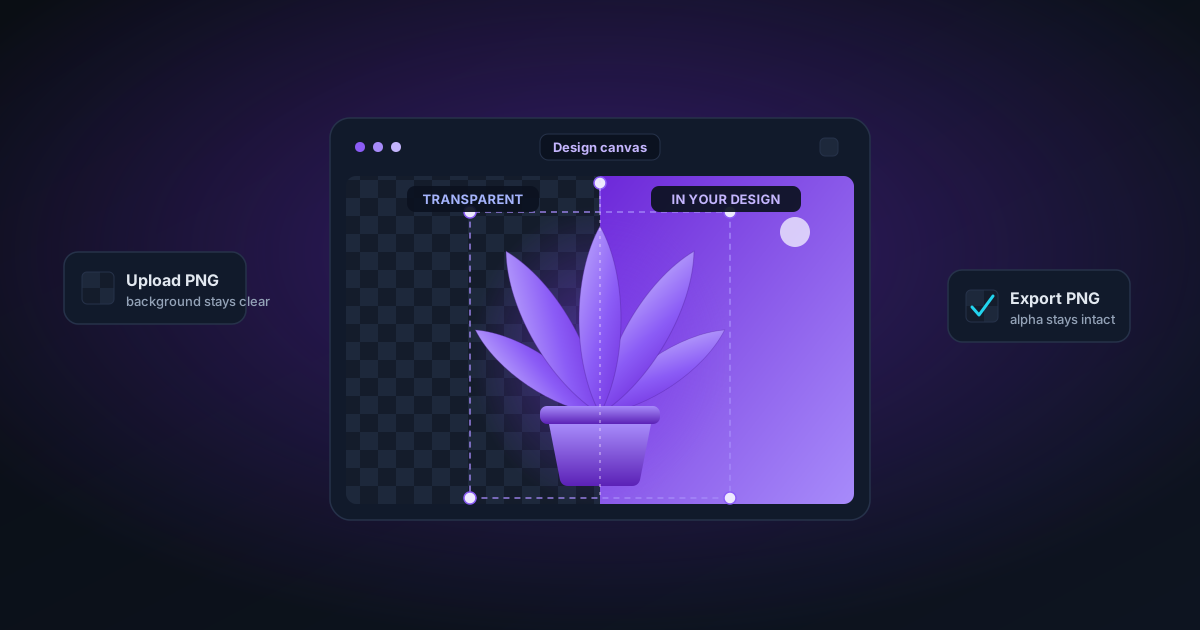
Working with Transparent PNGs in Canva: Upload, Use, and Export
How to bring transparent PNGs into Canva without losing quality, position them correctly, and export designs that maintain transparency for print and digital.
 Technical Deep Dives··8 min read
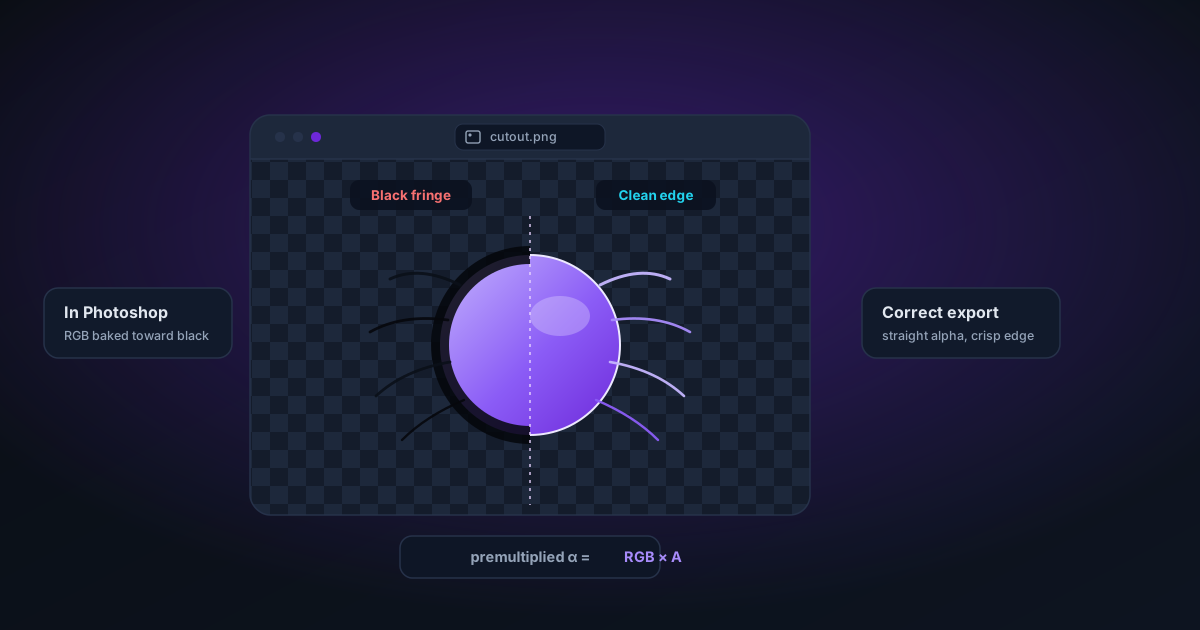
Why Your Transparent PNG Shows Black in Photoshop (And How to Fix It)
The premultiplied alpha problem explained: why most free background removers produce PNGs that show black in Photoshop, and what to look for in a tool that gets it right.
 Industry Guides··8 min read
Preparing Transparent PNGs for Print-on-Demand (Without Getting Your Design Rejected)
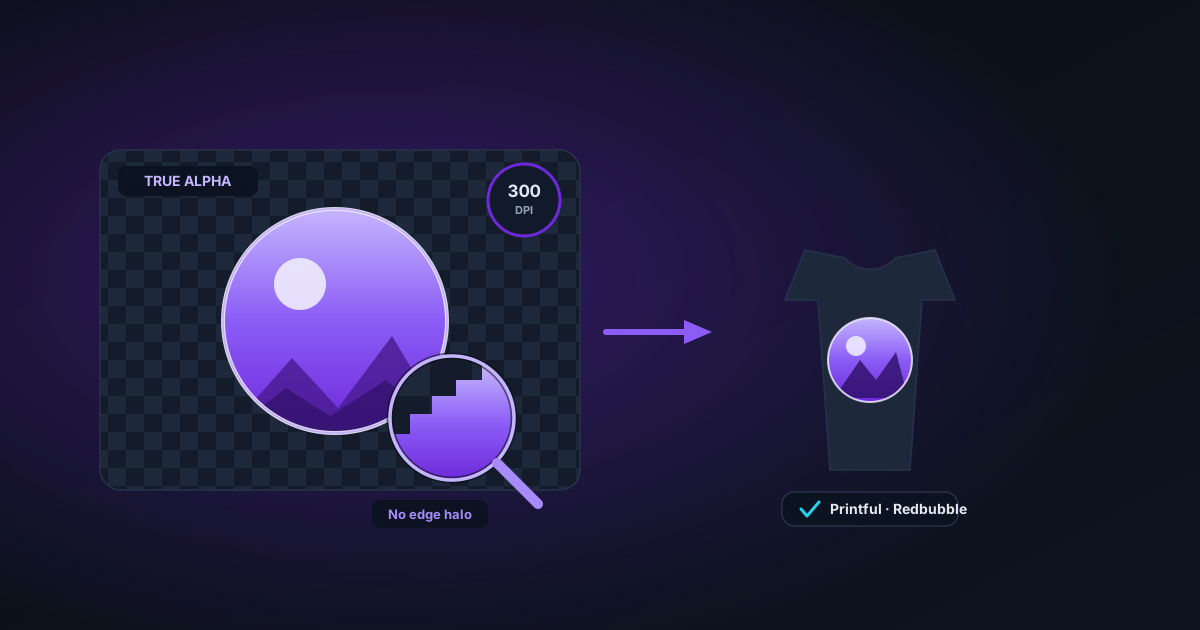
Print-on-demand platforms reject more uploads over file problems than over art quality. A focused guide to DPI, true transparency, edge halos, and the export settings that pass Printful, Printify, and Redbubble checks the first time.