The Complete Guide to NSS Image Utility Tools — Every Tool Explained
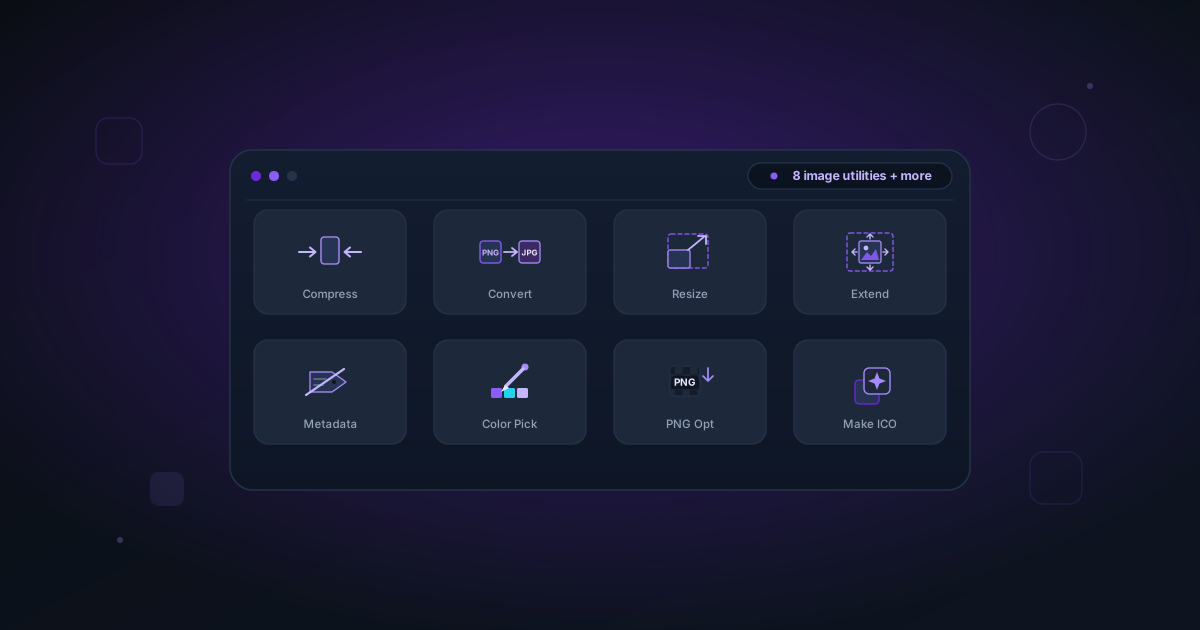
A full overview of every image utility in NSS — compressor, format converter, resizer, canvas extender, metadata remover, color picker, PNG optimizer, ICO creator, and more.
By Novus Stream Solutions Editorial Team · Part of the Browser-local editing workflows topic cluster
NSS started as an AI background remover. Over time, it grew into a full image utility suite — every tool running on the same privacy-first, in-browser architecture. This is the complete guide to all of them.
The principle: everything runs in your browser
Every tool in the NSS suite processes files locally. Your images are never uploaded to any server. The AI models download once and cache in your browser for offline use. There are no accounts, no subscriptions, and no usage limits.
Background Removal
Remove Background — The flagship tool. Removes backgrounds from images using AI running on your device (WebGPU or WebAssembly). Two models:
- Fast (ORMBG, ~45 MB) — 2–5 seconds per image on modern hardware. Great for product photos, simple backgrounds.
- Best Quality (BiRefNet Lite 512, ~99–192 MB) — Finer edge detail on hair, fur, and complex subjects. WebGPU-first with a CPU compatibility retry.
Export as PNG (transparent), WebP, or AVIF. Straight alpha — no black halos in Photoshop.
Background Removal — Queue multiple images and process them one at a time, then download each transparent PNG.
Image Resizing and Canvas
Image Resizer — Scale images to specific pixel dimensions or percentage. Options:
- Maintain aspect ratio (default)
- Stretch to exact dimensions
- Common presets (1920×1080, 1280×720, etc.)
Export as PNG or JPEG at adjustable quality.
Canvas Extender — Add padding to change the aspect ratio without cropping. Pick from common presets (1:1, 4:3, 16:9, 9:16, 4:5, 21:9) or enter a custom ratio. Choose any padding color. Ideal for:
- Making portrait photos fit landscape slots
- Adding social media letterboxing
- Creating space for text overlays
Format Conversion and Compression
Format Converter — Convert between PNG, JPEG, WebP, and AVIF. All conversion happens locally — files of any size, any number of images.
Image Compressor — Reduce JPEG and WebP file sizes with quality control. The quality slider maps to JPEG quantization level. Useful when platform file size limits are a factor (email attachments, CMS limits).
PNG Optimizer — Reduces PNG file size without changing visual quality by optimizing the palette, filter heuristics, and compression level. Lossless — bit-for-bit identical pixels.
Metadata and Privacy
Metadata Remover — Strips EXIF, IPTC, and XMP metadata from JPEG and WebP files. Removes: camera make and model, GPS coordinates, creation date, author, copyright tags, and software information.
The removal works by re-encoding the image data into a new container without writing metadata fields. The output pixel data is identical.
Useful for: sharing photos publicly without location data, publishing stock images without camera attribution, stripping client-facing documents of internal metadata.
Color Tools
Color Picker — Upload an image and click any pixel to extract its exact hex color, RGB, and HSL values. Also generates a 12-color dominant palette from the full image using k-means clustering.
Useful for: matching brand colors from a photo, extracting a color to use in CSS, auditing a design's actual color values.
Filters and Effects
Image Filters — 22 cinematic LUT (look-up table) presets with intensity control:
| Category | Presets |
|---|---|
| Portrait | Portrait Glow, Skin Tone, Beauty |
| Cinematic | Drama, Golden Hour, Teal & Orange, Blue Steel |
| Vintage | Film Grain, Kodachrome, Faded, Lomo |
| Atmospheric | Moonlight, Mist, Smoke, Dusk |
| Utility | Vivid, Flat, Black & White, Sepia |
Intensity slider from 0–100%. Export at full resolution.
Grayscale / Sepia / Invert — Simple destructive effects: grayscale, sepia, and color inversion.
Upscaling
AI Image Upscaler — 2× and 4× super-resolution upscaling using the Swin2SR model. Unlike Lanczos (geometric resizing), the AI synthesizes new detail — texture, sharpness, fine structures.
- AI mode (Swin2SR) — True detail synthesis. Slow but significantly higher quality. Recommended for photos with faces, text, or fine detail.
- Instant mode (Lanczos + unsharp mask) — Fast geometric upscale. Good for large flat-color areas and quick preview.
Output up to 4096×4096 px per pass.
Specialized Tools
ICO Creator — Convert any image to a multi-resolution .ico file. Select which sizes to include (16, 32, 48, 64, 128, 256 px). For web favicons, include 16 and 32. For Windows application icons, include all sizes.
Image Rotate and Flip — Rotate 90°, 180°, 270°, or flip horizontally/vertically. Lossless for PNG; re-encodes for JPEG.
The Image Editor
Image Editor — The full editing environment that ties everything together. From the editor sidebar you can access:
- Background removal (with model selection)
- Brush editor for manual mask refinement
- Edge refinement (feather, smooth, decontaminate)
- Background replacement (solid, gradient, image, lifestyle scene)
- Adjustments (brightness, contrast, saturation, hue, exposure)
- Image filters
- Canvas extender
The editor maintains a non-destructive edit stack — adjustments are applied in order and can be toggled.
Privacy-first architecture
Every tool in this list shares the same privacy model:
- Files are read locally via the browser's File API
- Processing happens in the same browser tab (or a Worker thread)
- No file content is transmitted to any server
- Processed results are generated locally and offered as a download
- Nothing is stored after you close the tab
The AI models (80–180 MB) are downloaded from Hugging Face and cached by your browser's service worker. After the first use, all tools work offline.
Related
Applies to NSS Background Remover v2.4.0 — the release that was current when this article was last updated.
Was this article helpful?
Your answer is saved in this browser only. This control makes no network request and does not send the answer to an NSS feedback endpoint.