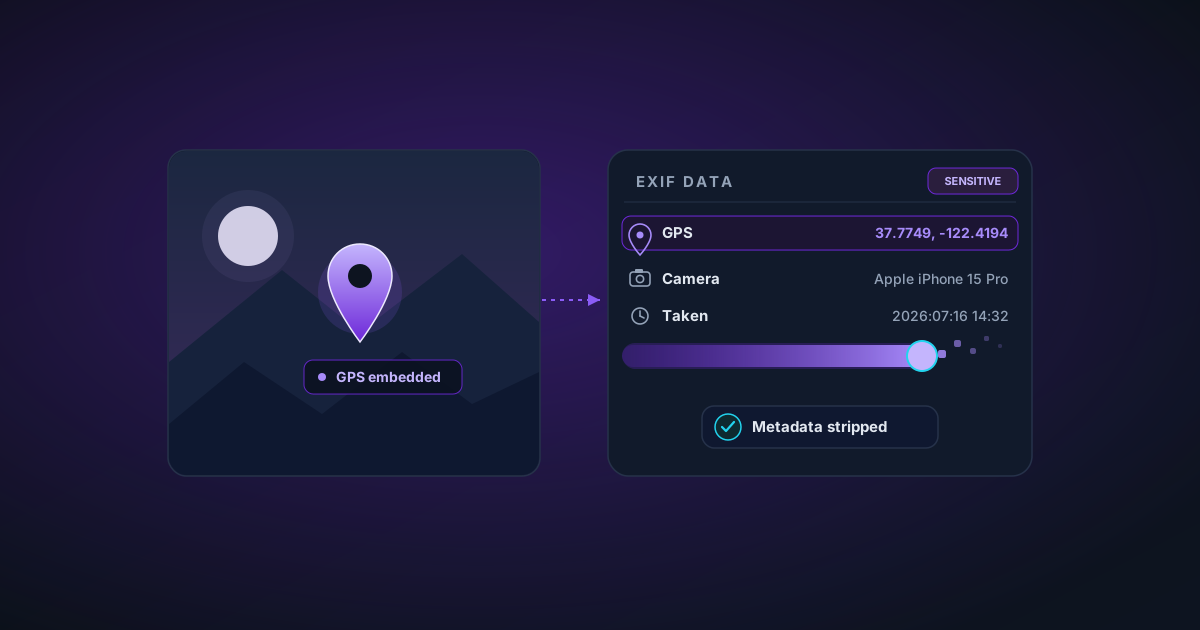
Strip EXIF Metadata from Photos Before Sharing: A Privacy Guide
What EXIF metadata is, what it reveals (including your exact GPS location), and how to remove it before uploading photos to social media, selling products online, or sending to clients.
By Novus Stream Solutions Editorial Team · Part of the Browser-local editing workflows topic cluster
Every photo taken with a smartphone or digital camera contains hidden data embedded in the file itself. This data — called EXIF metadata — can reveal far more than you might expect. Before sharing any personal photo online, it's worth understanding what you're giving away.
What EXIF Metadata Contains
EXIF (Exchangeable Image File Format) data is written into JPEG and TIFF files at the moment the photo is taken. A typical smartphone photo contains:
- GPS coordinates — latitude and longitude, often accurate to within a few metres
- Timestamp — exact date and time the photo was taken
- Device information — make and model of your phone or camera
- Camera settings — aperture, shutter speed, ISO, focal length
- Software version — the OS or camera app used
- Orientation — the rotation of the device when the photo was taken
- Thumbnail — a small embedded preview of the image
Why GPS Metadata Is a Privacy Risk
The GPS data is the most sensitive. When you take a photo at home and post it to social media, sell a product on eBay, or send it to a client — the JPEG may contain the exact coordinates of your home.
This isn't theoretical. Journalists, privacy researchers, and unfortunately bad actors have used EXIF GPS data to determine the home addresses of people who posted photos online. Social media platforms like Instagram and Facebook strip EXIF data before displaying images, but many platforms don't — and even when they do, the file you upload still contained the data before stripping.
What About WebP and PNG?
WebP files can contain metadata in a similar structure. PNG files use a different metadata format (tEXt chunks and iCCP profiles), but can also contain location and device data depending on the software that created them.
How Metadata Removal Works
The NSS Metadata Remover works by re-drawing the image through the browser's Canvas API and re-exporting it. The canvas only captures pixel data — it has no mechanism for preserving EXIF, XMP, IPTC, or any other metadata format. The exported file is clean by construction.
This is different from "editing out" metadata — the metadata is never written to the output file in the first place.
When to Remove Metadata
- Before posting any personal photos to social media (even if the platform strips it, strip it yourself first)
- Before selling items on marketplaces (eBay, Facebook Marketplace, Etsy)
- Before sending photos to anyone you don't know
- Before using photos in publicly accessible documents or websites
- Before submitting photos for press or publication
Related Tools
- Metadata Remover — Strip all EXIF, GPS, and camera data before sharing
- Image Compressor — Reduce file size after stripping for web sharing
- Image Background Remover — Remove backgrounds for privacy-safe product photos
- Format Converter — Convert to WebP for smaller, metadata-free files
Applies to NSS Background Remover v0.3.0 — the release that was current when this article was published.
Was this article helpful?
Your answer is saved in this browser only. This control makes no network request and does not send the answer to an NSS feedback endpoint.