Month archive
Posts from May 2026
33 articles, newest first.
 Technical Deep Dives··5 min read
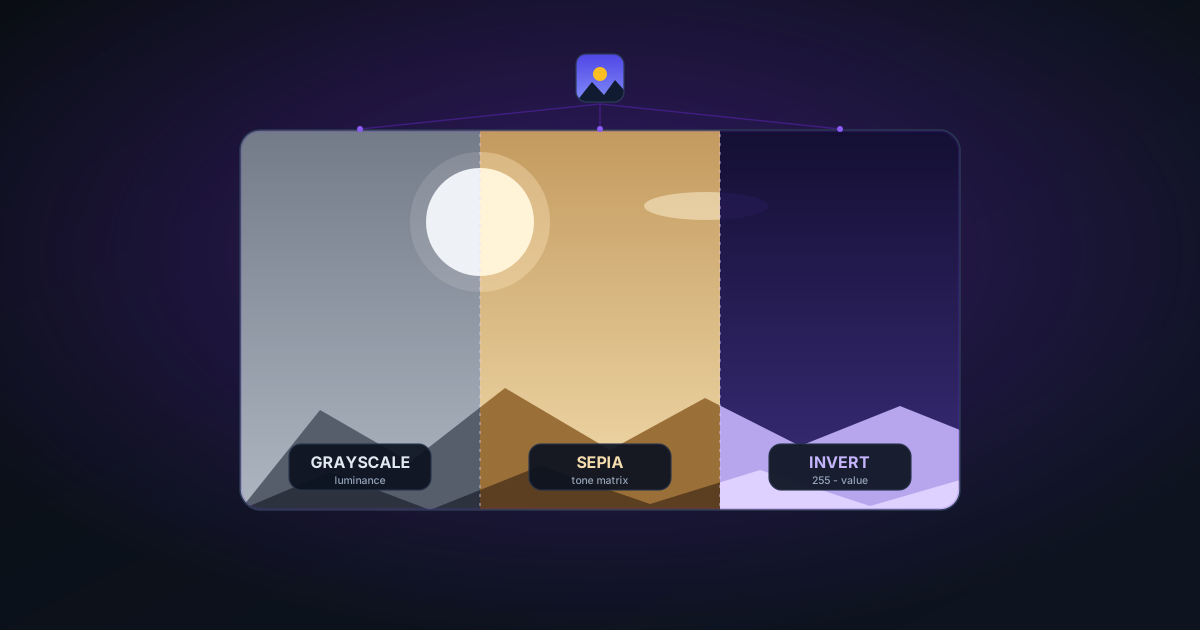
Grayscale, Sepia, and Invert: Classic Photo Effects in Your Browser
How grayscale conversion (luminance weighting), sepia tone (matrix transform), and invert effects work at the pixel level — and when to use each for product photography, branding, and art.
 Technical Deep Dives··6 min read
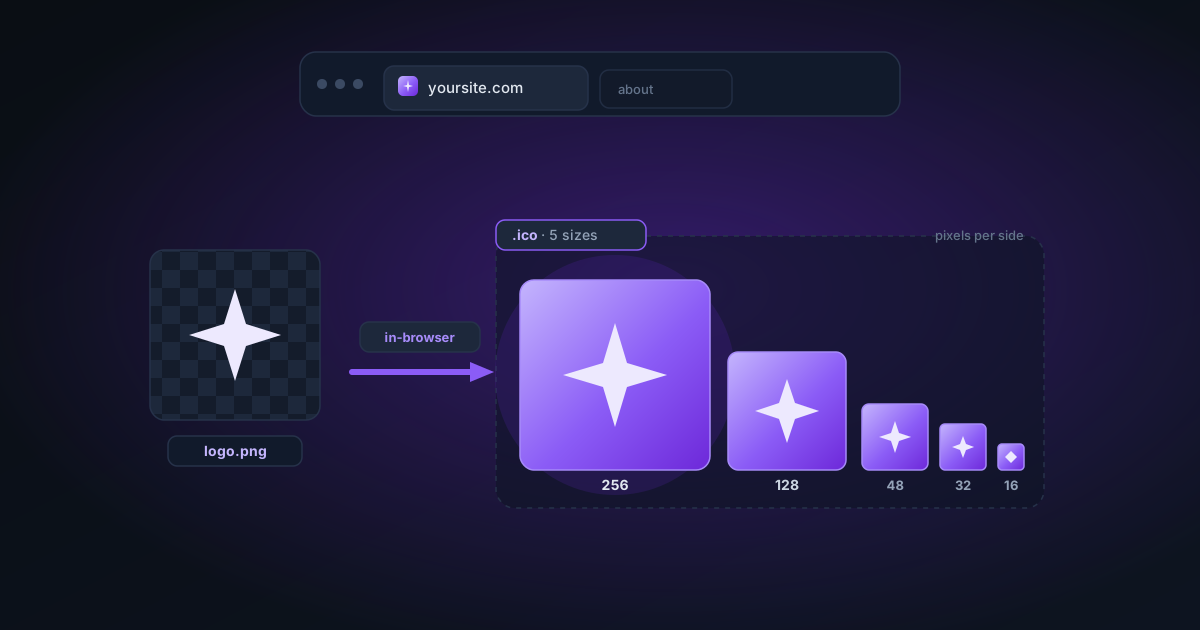
How to Create a Multi-Size Favicon .ICO from a PNG (Free, No Photoshop)
The ICO format explained, why favicons need multiple embedded sizes (16×16 to 256×256), and how to generate a proper .ico file directly in your browser from any logo or icon PNG.
 Tutorials··5 min read
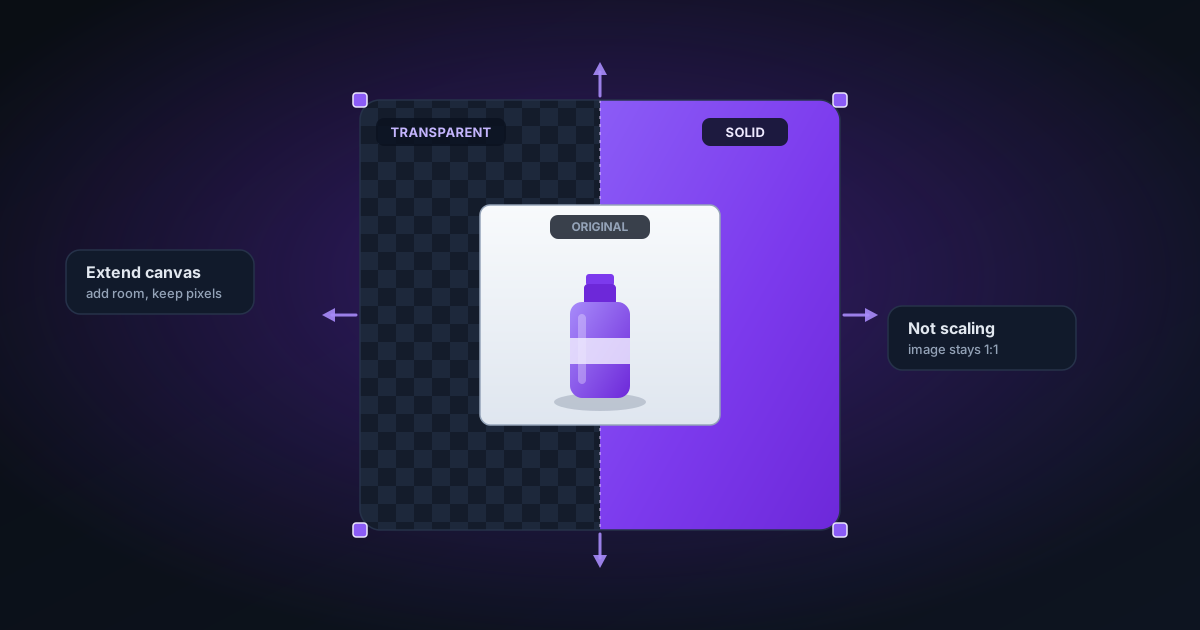
How to Extend the Canvas and Add Padding Around Images (Free)
What canvas extension is, how it differs from scaling, when to use transparent vs solid padding, and practical workflows for product photography, print bleed, and compositing.
 Tutorials··6 min read
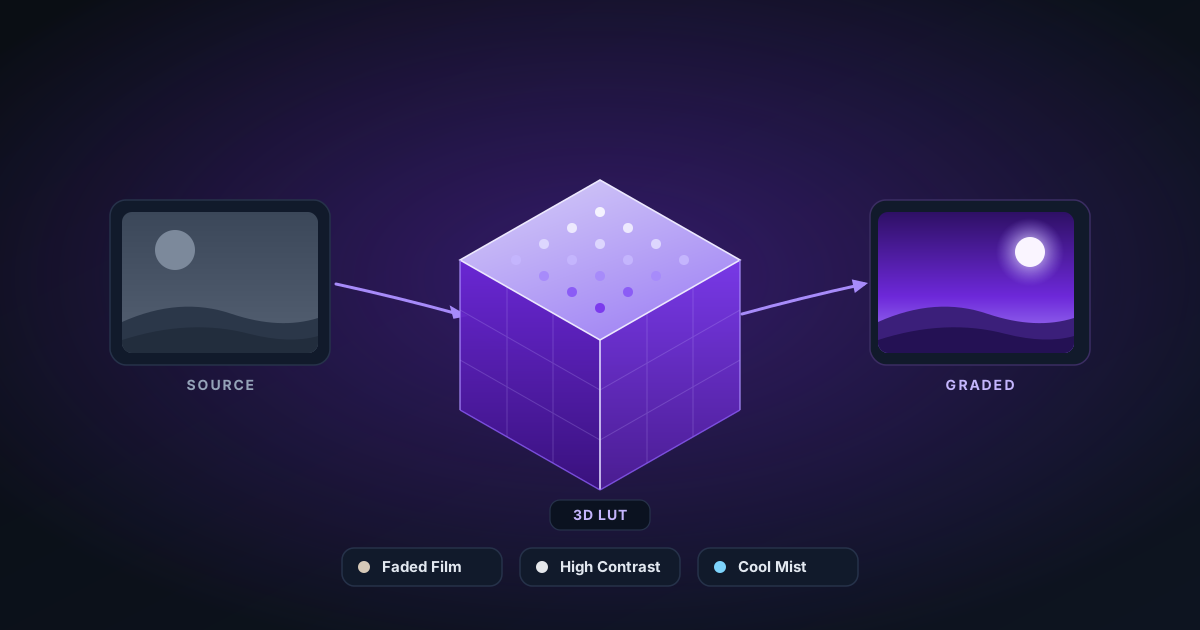
What Are Cinematic LUT Filters and How to Apply Them Free in Your Browser
A plain-language explainer on LUT (Look-Up Table) color grading — what cinematic presets like Faded Film, High Contrast, and Cool Mist actually do to your pixels, and how to apply them without Premiere or Lightroom.
 Technical Deep Dives··8 min read
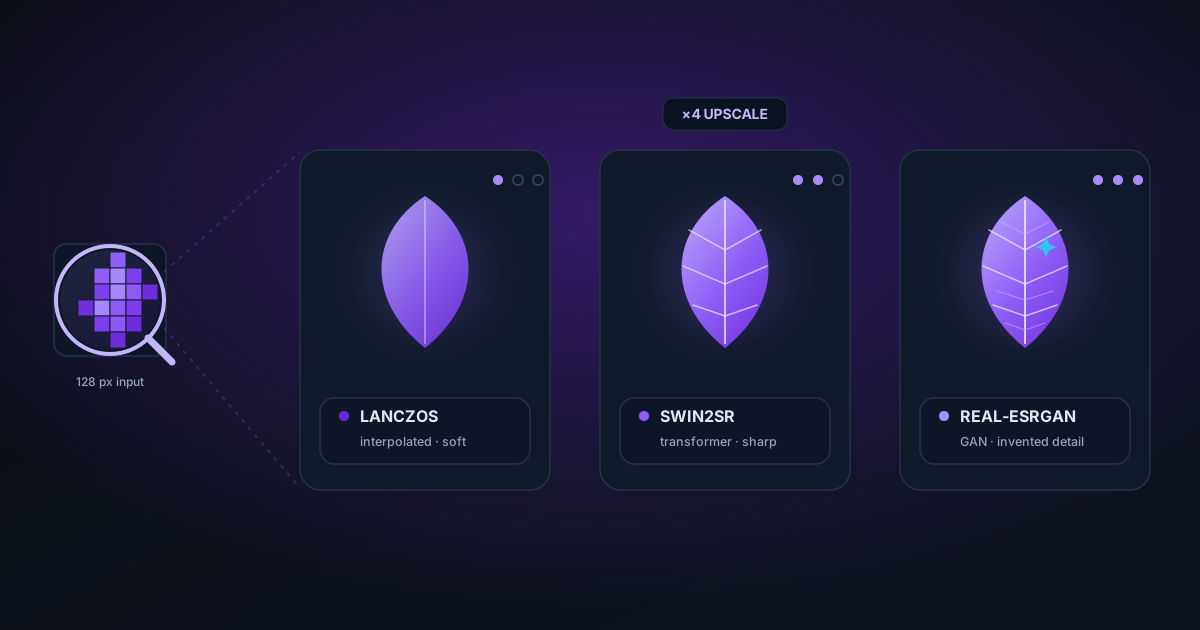
AI Image Upscaling: Lanczos vs. Swin2SR vs. Real-ESRGAN — Which Is Best?
A practical comparison of three upscaling approaches — classic Lanczos interpolation, transformer-based Swin2SR, and GAN-based Real-ESRGAN. When each method wins, what to expect on different content types, and how to choose.
 Tutorials··6 min read
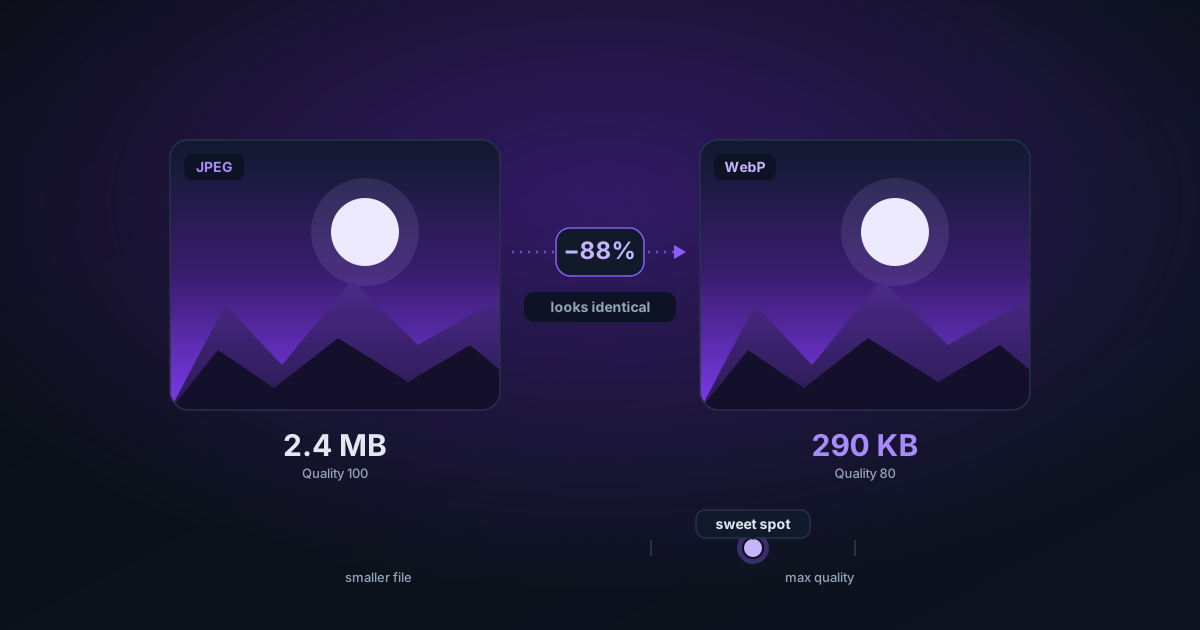
How to Compress Images Without Losing Quality (JPEG & WebP Guide)
A practical guide to JPEG and WebP compression — how quality settings affect file size and visual fidelity, what sweet spots to aim for, and how to compare before and after in your browser.
 Tutorials··7 min read
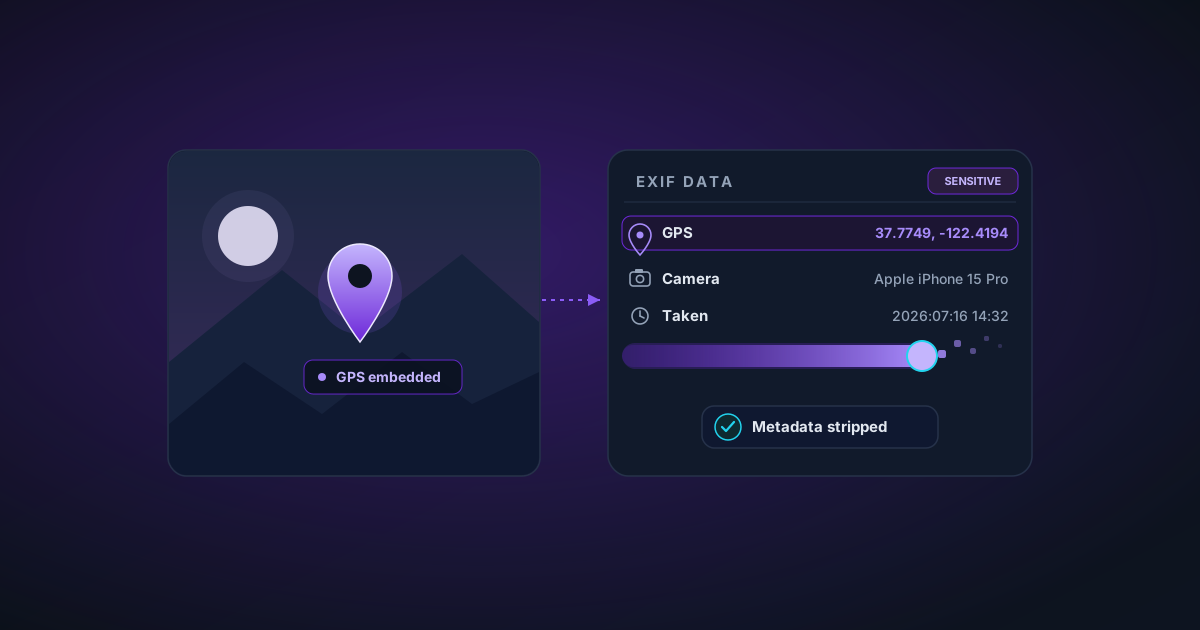
Strip EXIF Metadata from Photos Before Sharing: A Privacy Guide
What EXIF metadata is, what it reveals (including your exact GPS location), and how to remove it before uploading photos to social media, selling products online, or sending to clients.
 Tutorials··5 min read
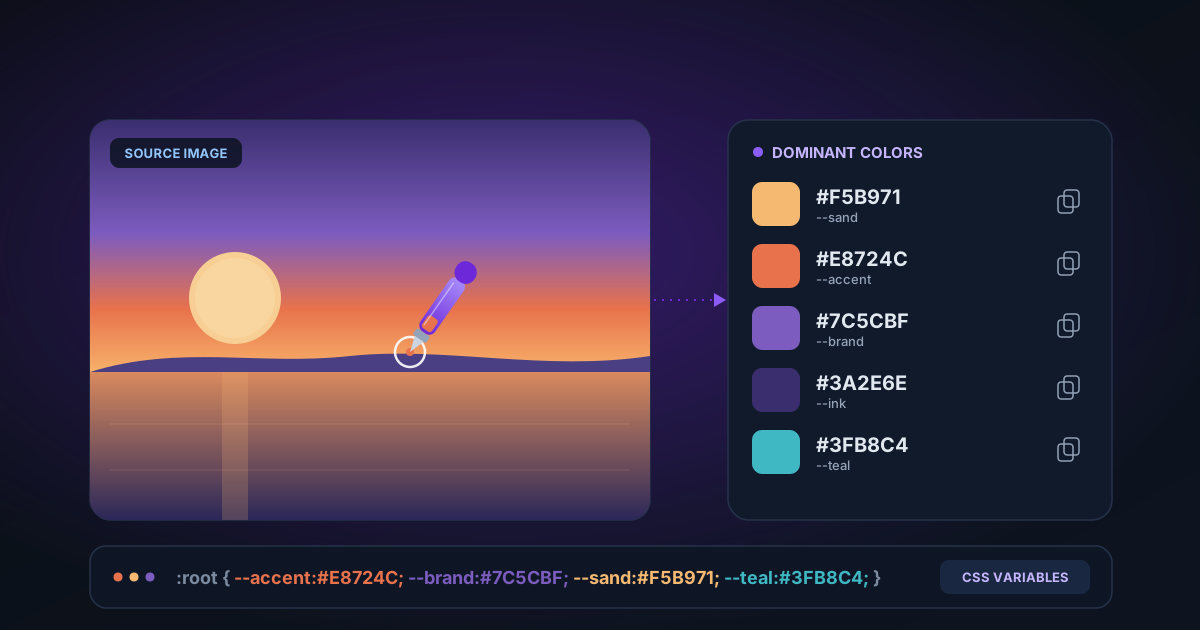
How to Extract a Color Palette from Any Image (Free, Browser-Based)
How dominant color extraction works, what to use a palette for (brand design, UI theming, product matching), and how to copy hex codes or CSS custom properties directly from any photo.
 Tutorials··5 min read
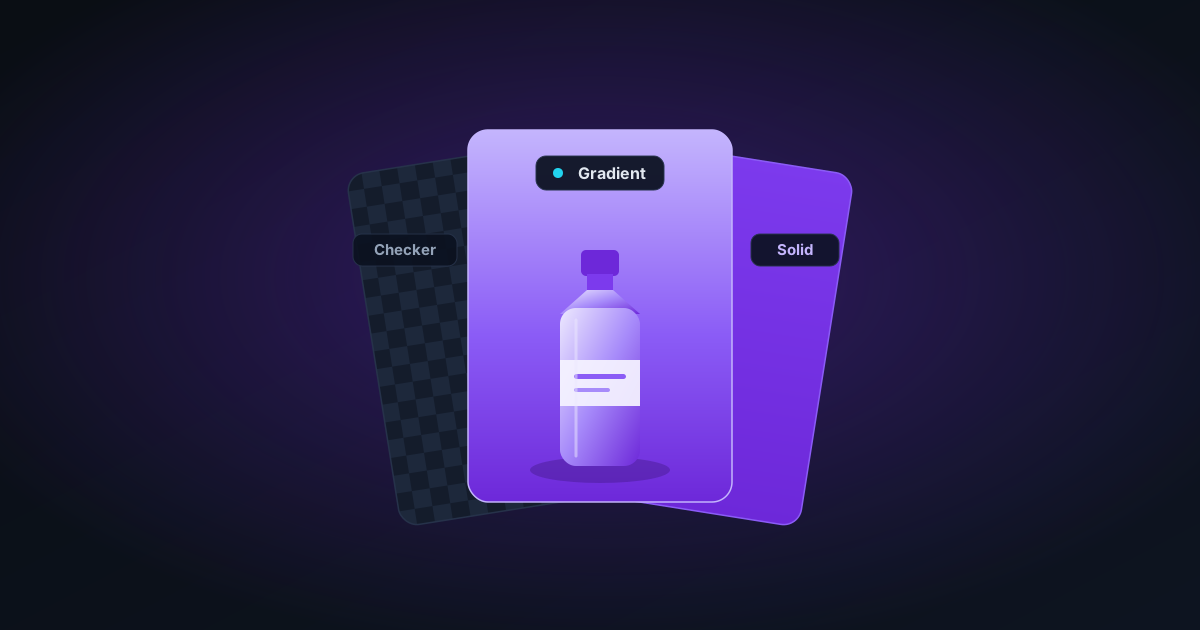
How to Add a Background to a Transparent PNG (Solid, Gradient, or Checkerboard)
After removing the background from an image, you often need to add a new one — for product listings, presentations, or social media. This guide covers solid fills, gradients, and compositing in the browser.
 Tutorials··4 min read
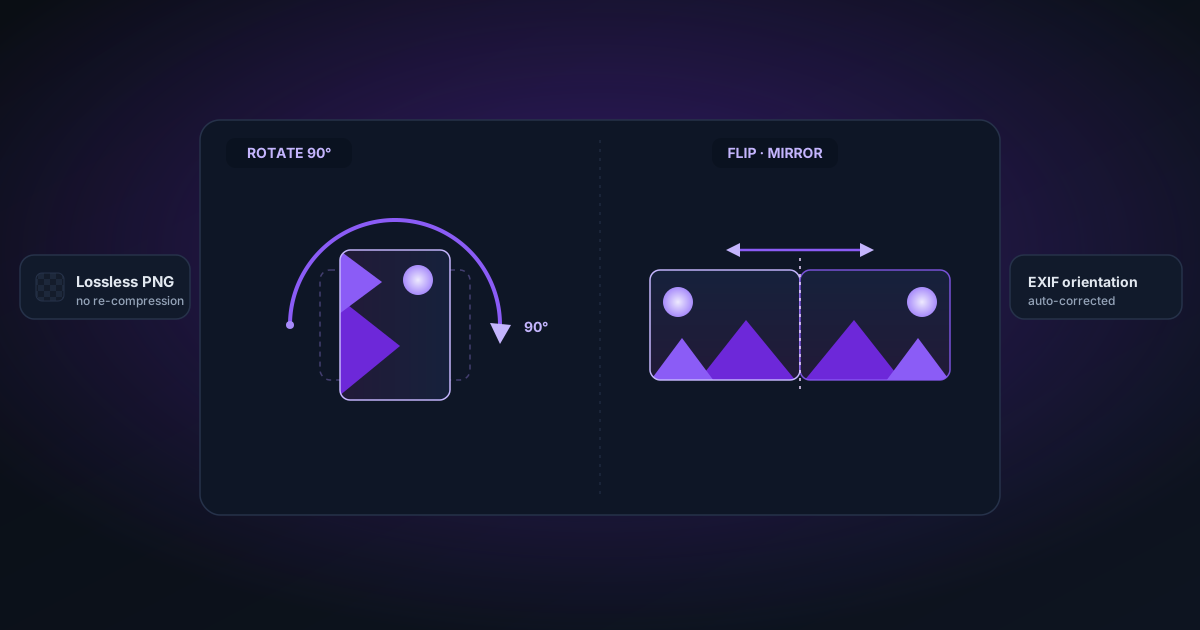
Rotate and Flip Images for Free — Lossless PNG Output in Your Browser
When to rotate vs flip, how lossless rotation works for PNGs (no re-compression), and quick tips for correcting photo orientation for e-commerce listings and social media.