Month archive
Posts from July 2026
33 articles, newest first.
 Tutorials··8 min read
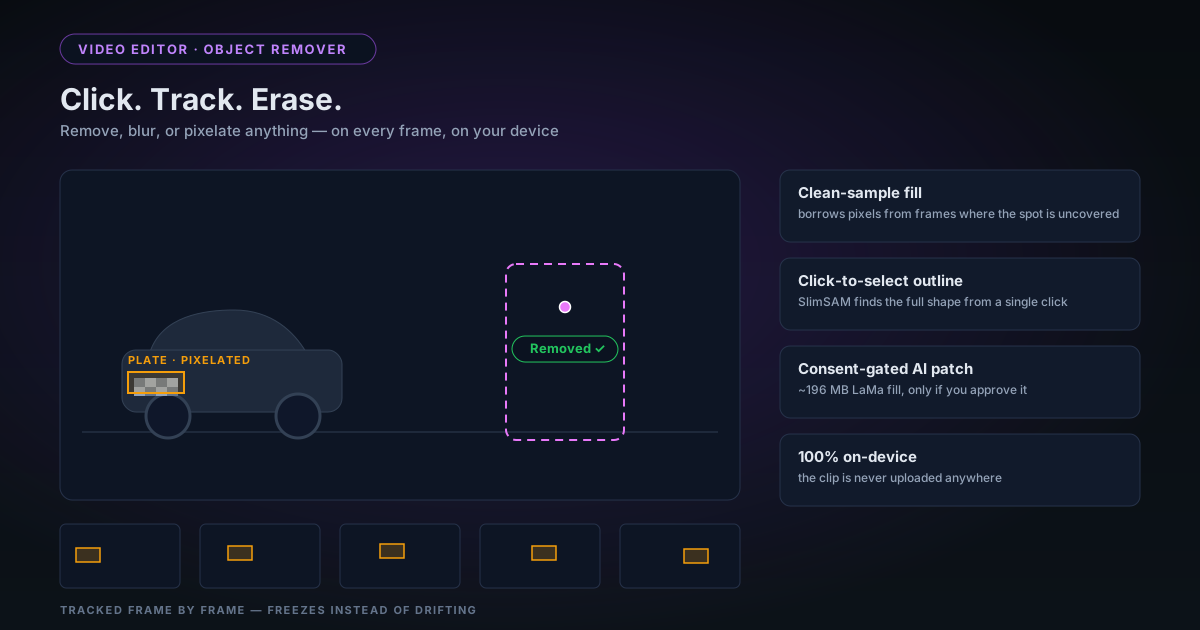
Removing Unwanted Objects from Video in Your Browser: Click, Track, Erase
The rebuilt object remover in the NSS Video Editor lets you click an object to select its full outline, draw a box, or auto-detect licence plates — then remove, blur, or pixelate it across the clip, entirely on your device. Here is how the selection, tracking, and fill actually work, and where the honest limits are.
 Tutorials··7 min read
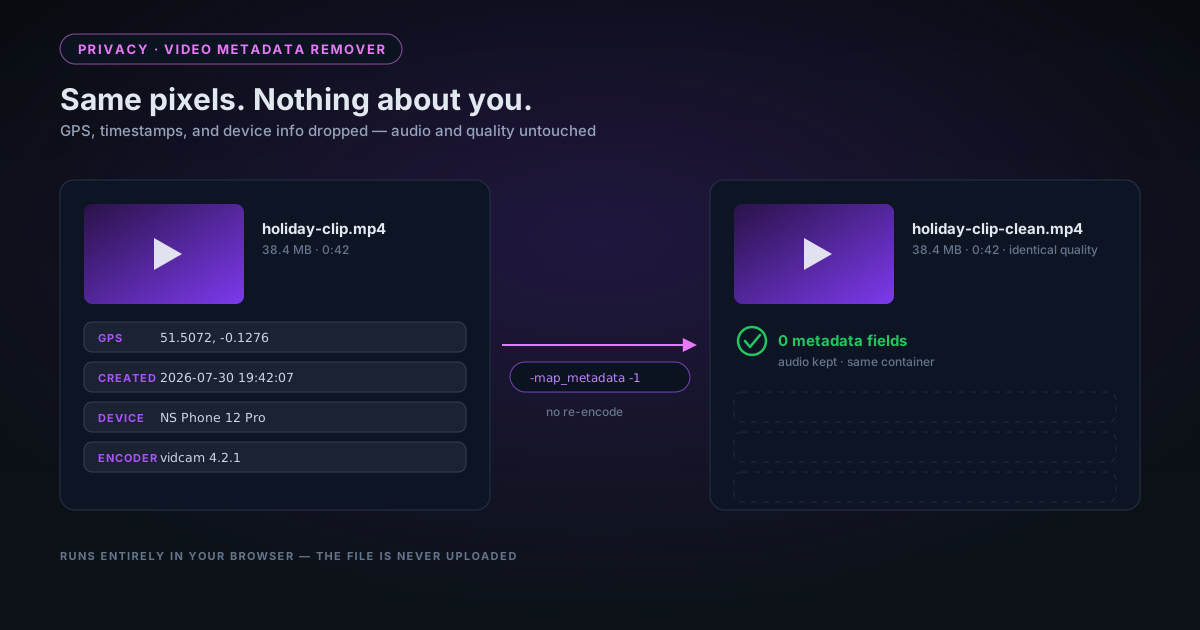
What Your Videos Know About You: Stripping Hidden Metadata Before Sharing
Videos recorded on a phone carry GPS coordinates, device details, and precise timestamps in the file itself. Here is what a video file actually embeds, how our in-browser remover strips it without re-encoding a single pixel, and — honestly — what stripping cannot remove.
 Tutorials··8 min read
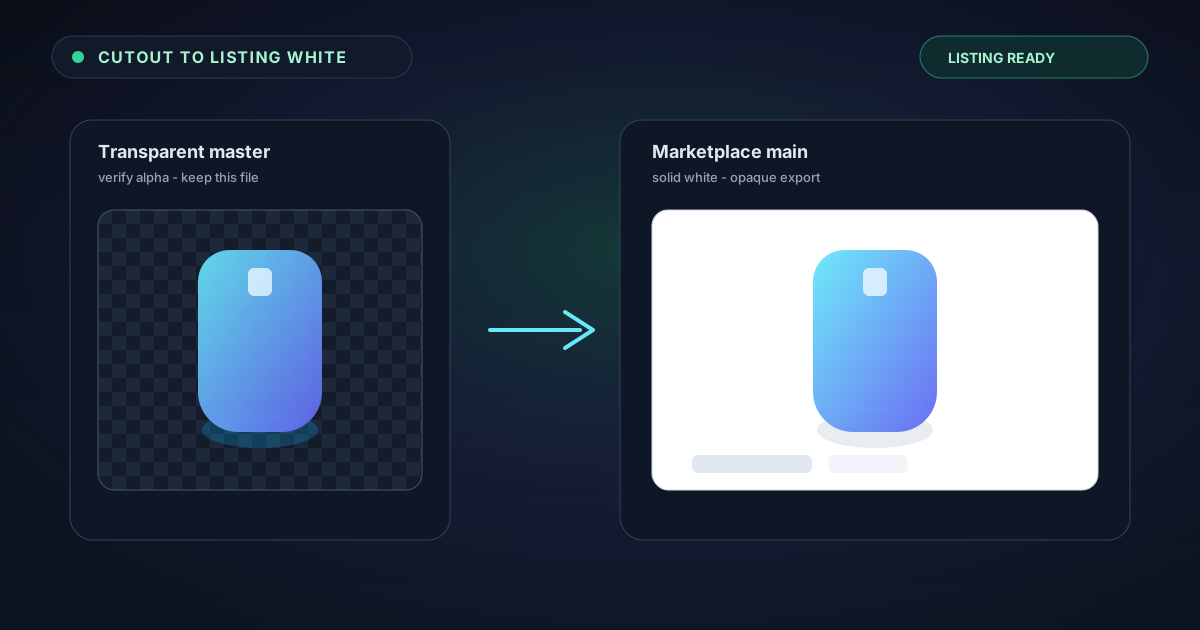
From Cutout to Marketplace White — Finishing a Background Removal for Listings
A transparent PNG is only half the job for many storefronts. Learn how to remove a background in NSS, verify the alpha, place a solid white or brand-colour back, and export a listing-ready image without uploading your photos.
 Tutorials··8 min read
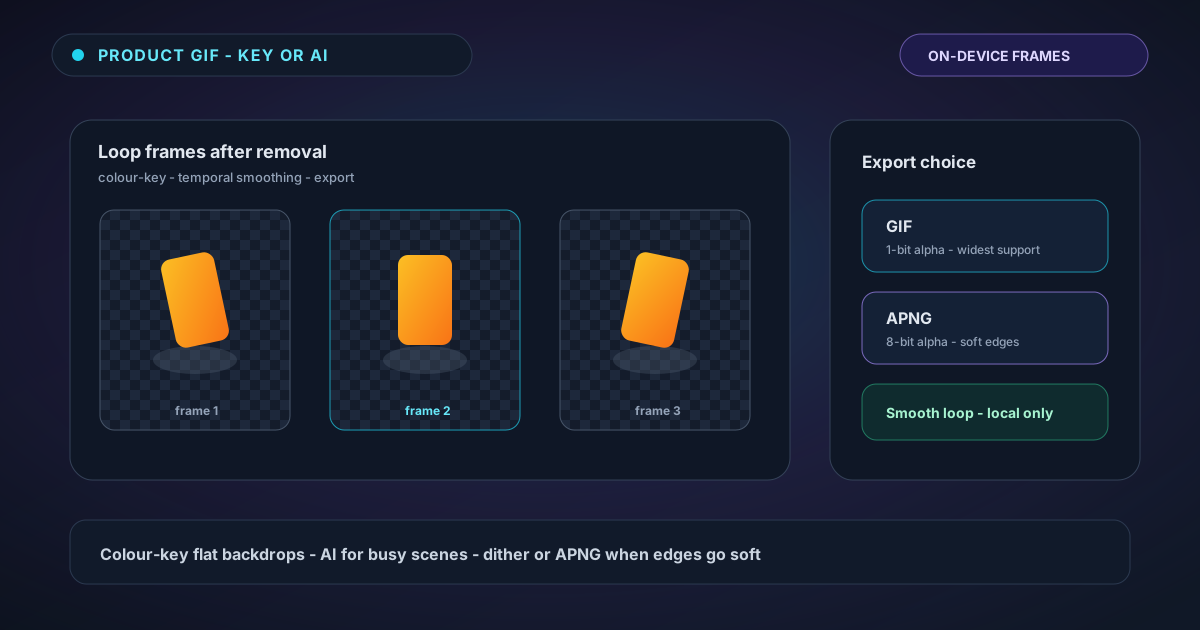
Clean Animated Product GIFs — Background Removal Without Soft-Edge Surprises
Turn product spins and logo loops into clean animated GIFs in the browser. Learn when colour-key beats AI, how temporal smoothing helps, why GIF only offers 1-bit alpha, and when APNG is the better export.
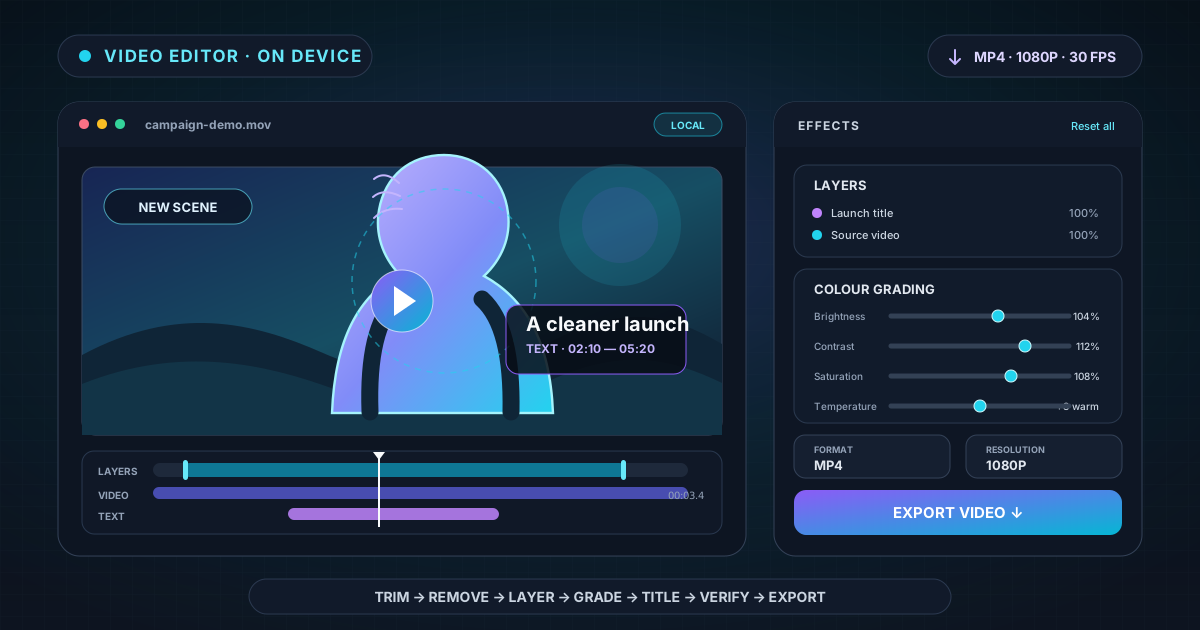 Tutorials··9 min read
From Background Removal to Finished Video: A Complete Browser Editor Workflow
Turn a raw clip into a finished browser-edited video with NSS: trim the timeline, remove or replace the background, arrange layers, add timed text, colour grade, clean distractions, and choose export settings.
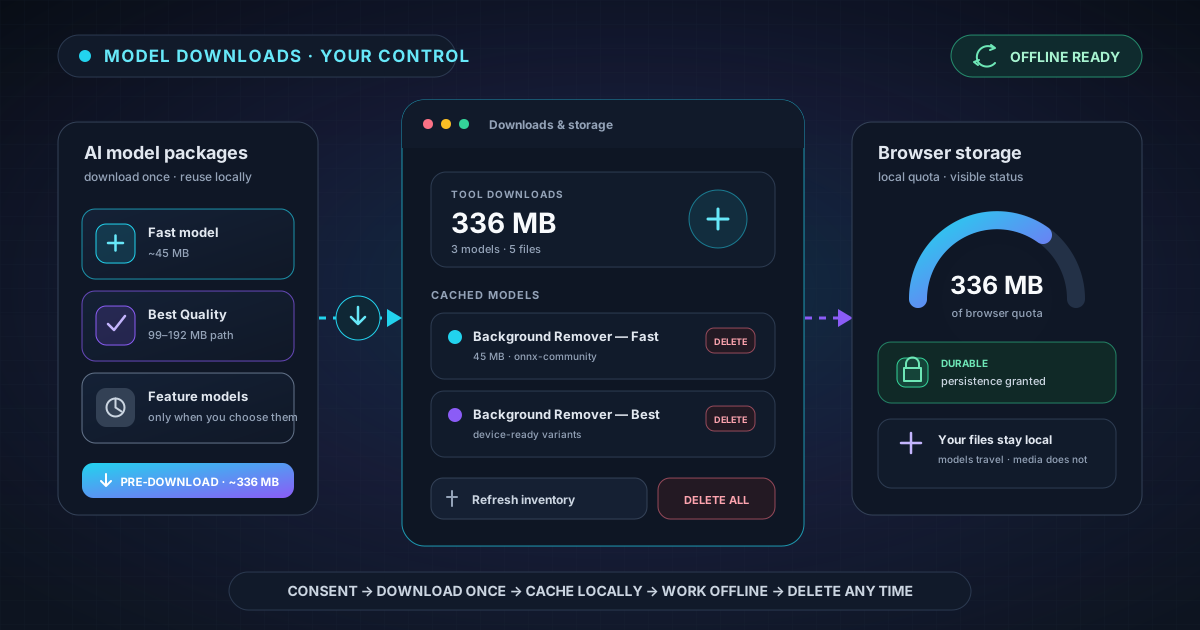 Product & Mission··8 min read
Why AI Models Download Once — and How to Keep Them Ready Offline
Learn why on-device AI needs a first-run model download, what NSS stores in your browser, how pre-download and durable storage prepare background removal for offline use, and how to reclaim space safely.
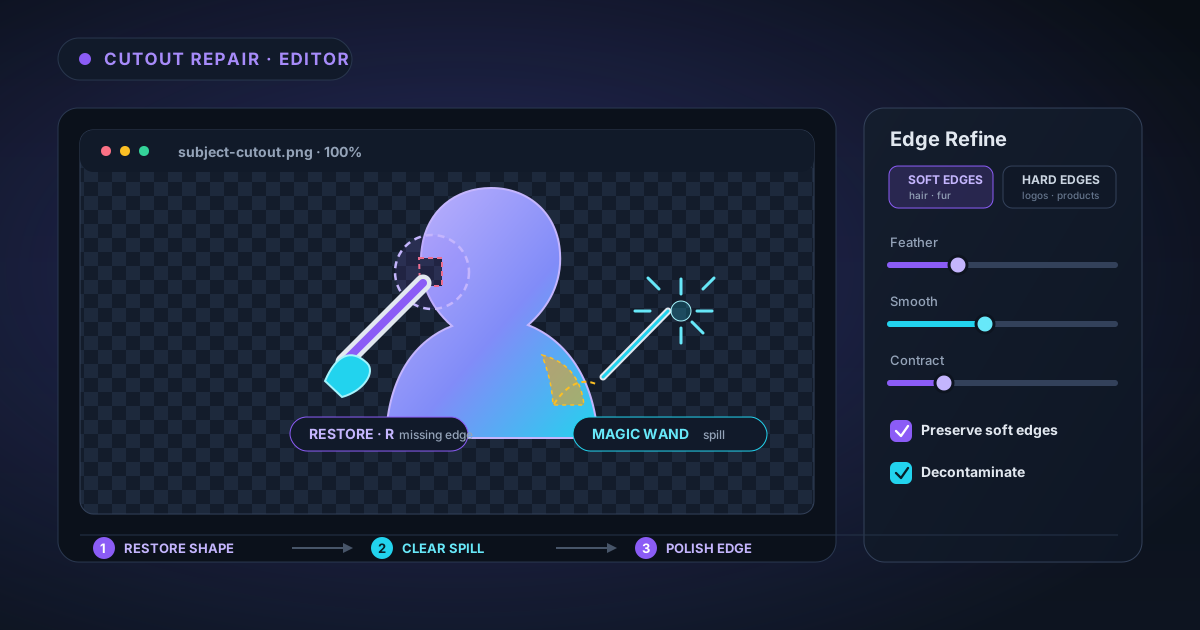 Tutorials··8 min read
Fixing an Imperfect AI Cutout: Brush, Magic Wand, and Edge Refine
An AI cutout is a strong first pass, not a locked result. Learn how to diagnose missing subject, leftover background, halos, and rough edges, then repair each problem with Erase, Restore, Magic Wand, and Edge Refine in the NSS image editor.
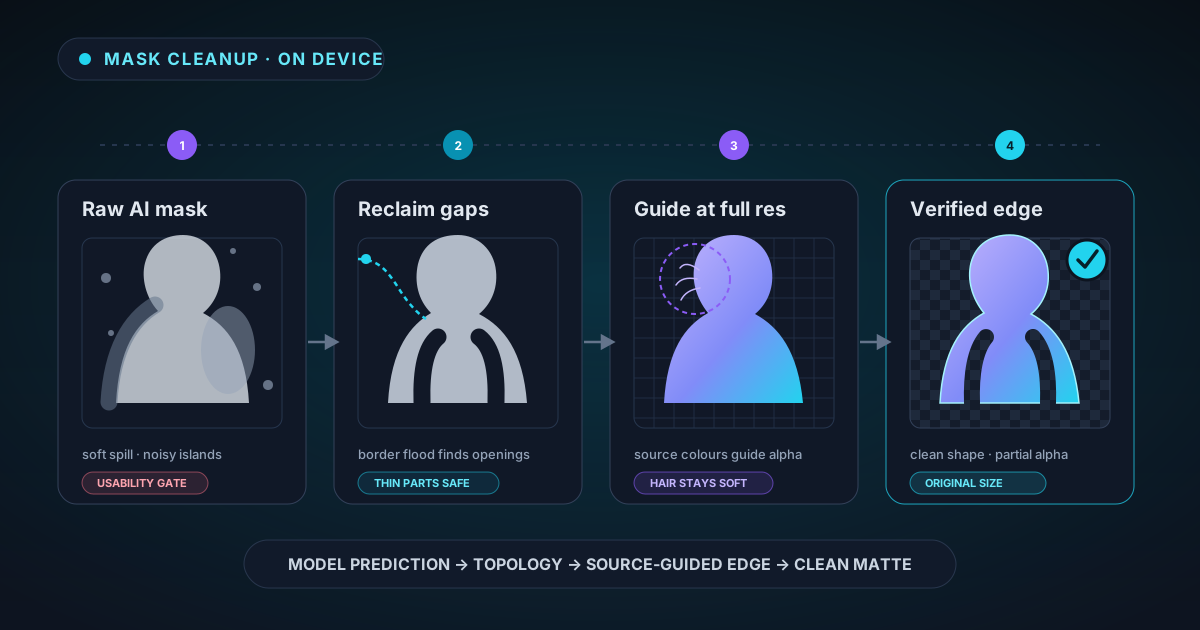 Technical Deep Dives··9 min read
The AI Mask Is Only the First Draft: Inside Our Cleanup Pipeline
The neural network is only the first stage of a clean cutout. See how NSS validates the raw mask, protects openings and thin structures, restores full-resolution edges, preserves hair, removes studio spill, and branches safely for glass.
 Technical Deep Dives··8 min read
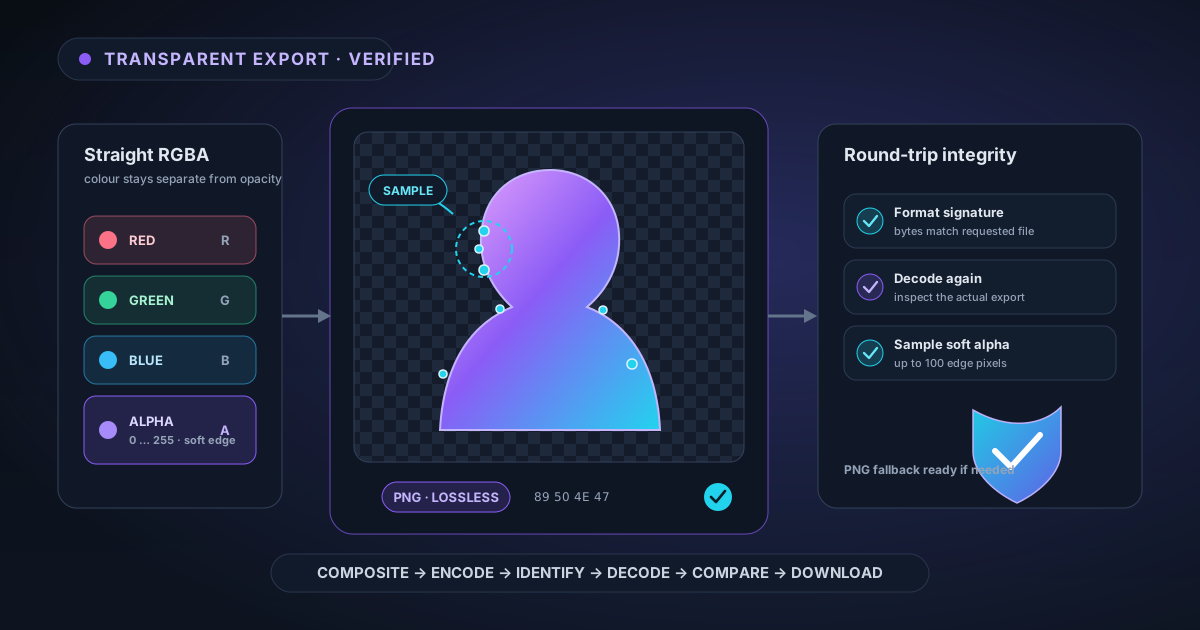
How NSS Verifies a Transparent Export Before You Download It
A checkerboard preview is not proof that a file contains usable transparency. Here is how NSS keeps straight alpha intact, verifies the encoded format, decodes the export again, samples soft-edge pixels, and falls back safely when PNG integrity fails.
 Product & Mission··8 min read
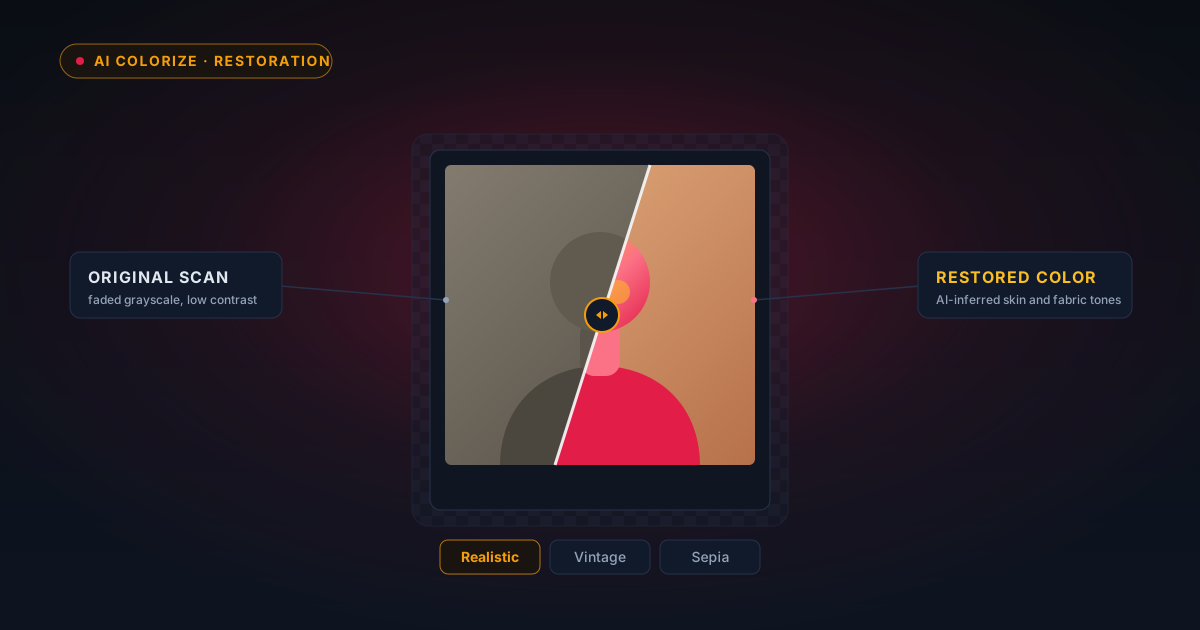
Colourising Old Black-and-White Family Photos in Your Browser
Old family photos in black and white can be brought back to colour in your browser — no upload, no account. Here is how AI colourising actually works, an honest look at what it can and cannot recover, and a gentle workflow for the photos that matter most.