Tip: Lifestyle scenes are now built into the main image editor.
Open the editor, run background removal on any image, then switch to the Background panel → Scene tab to apply any of the 14+ templates without leaving.
Lifestyle Product Photo Maker
Remove backgrounds, pick a scene, blend seamlessly. No studio. No Photoshop. Studio-quality lifestyle product photos created entirely in your browser — free, in seconds.
Drag to compare
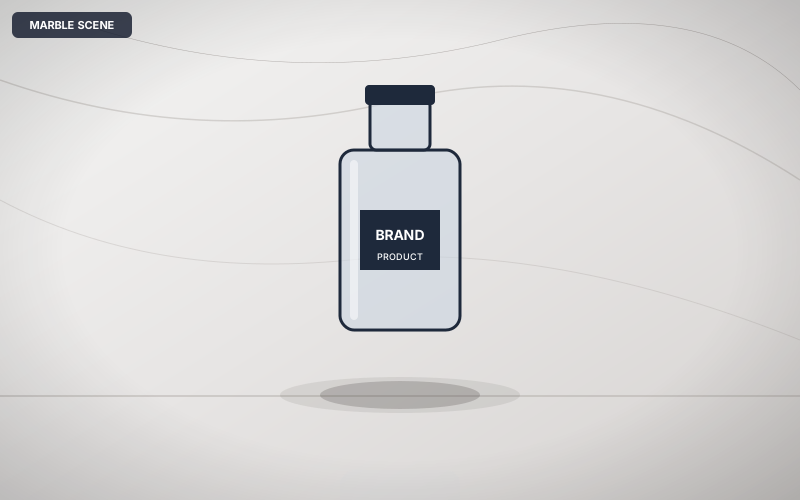
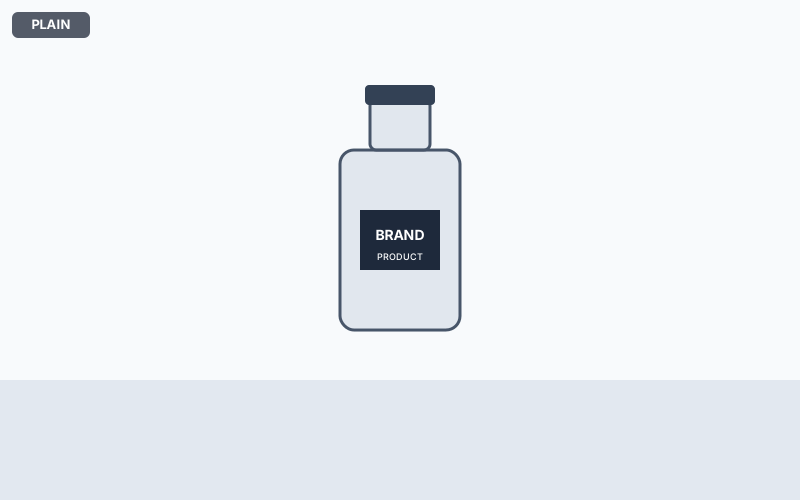
Remove product backgrounds and place them on 14+ professional lifestyle scenes
Available scene templates

Oak Table

Marble

Dark Slate

Kitchen
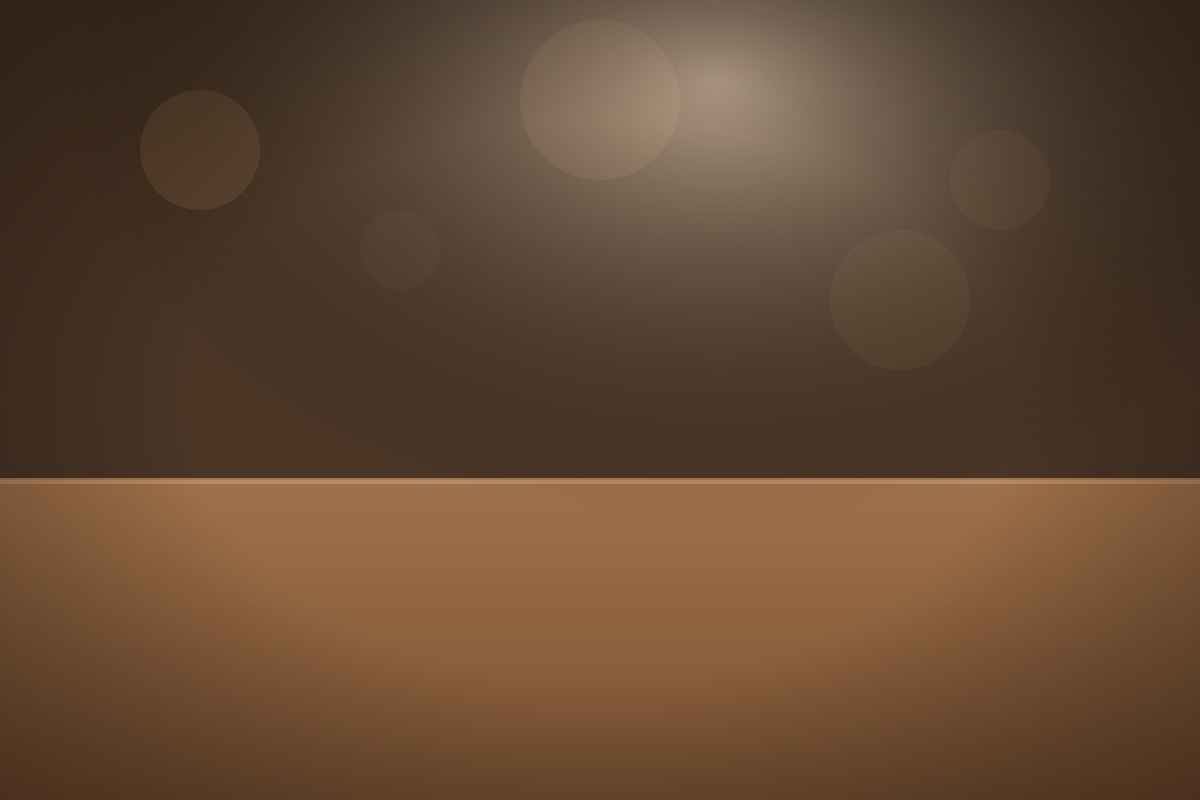
Coffee Shop

Black Velvet

Powder Pink
+ 7 more: Linen Shelf, Glass Pedestal, Urban Concrete, Kraft Natural, White Studio, Teal Studio, Terracotta
How it works
Upload your product photo
Drop any JPG, PNG, WebP, or AVIF product image. The AI background remover runs instantly in your browser — no waiting for uploads.
Choose a lifestyle scene
Browse 14+ scene templates: oak tables, marble studios, dark slate, kitchen counters, and more. Filter by category or search by keyword.
Compose and download
Drag your product into position, adjust size, shadow, and blending. Download as PNG, WebP, or AVIF — print-ready at full resolution.
Who uses this
E-commerce listings
Turn plain product shots into lifestyle photos that convert. Add warmth, context, and professional polish without a photo studio.
Amazon A+ content
Create the lifestyle imagery Amazon A+ modules require — marble counters, warm wood tables, dark luxury surfaces — in seconds.
Etsy shop photos
Give handmade and vintage items the styled, editorial look that makes Etsy shops stand out from the competition.
Social media content
Generate on-brand Instagram and Pinterest product imagery without a photographer or studio booking.
Dropshipping stores
Transform supplier white-background images into lifestyle photos that feel like your own brand shoots.
Brand lookbooks
Lay out products across consistent scene templates to build a cohesive visual identity for pitch decks and marketing materials.
Frequently asked questions
Is it free?
Yes, completely free. No signup, no watermarks, no usage limits. All AI processing runs in your browser.
How many scene templates are available?
There are 14+ built-in scene templates covering tabletop, studio, luxury, minimal, outdoor, kitchen, and shelf categories. More templates are added regularly.
Can I use my own background image?
Yes — after removing the background, you can upload any custom image as your scene. The blending engine will adapt to your background automatically.
What export formats are supported?
PNG (lossless, recommended), WebP (smallest file size), and AVIF (best compression quality). All at full output resolution.
How does the blending work?
The compositor runs six passes: color temperature matching (scene warmth applied to product edges), alpha edge feathering, contact shadow, ambient occlusion rim darkening, optional surface reflection, and a cinematic vignette. The result is a product that looks naturally placed in the scene.
Related tools
Why it's different
Studio-quality lifestyle product photos without a studio — AI background removal, 14+ scene templates, and 6-pass blending entirely in your browser.
100% Private
Everything runs on your device using in-browser AI. Nothing is transmitted to any server — not the file, not metadata, not filenames.
True Alpha Channel
We export straight (non-premultiplied) alpha so transparent PNGs open with a real checkerboard in Photoshop and Figma — no black halos.
Free Forever
No paywall, no watermark, no premium tier. The full-quality AI is free, supported by non-intrusive ads.
Works Offline
Once loaded, the app and AI models cache locally. Process files without an internet connection. Installable as a desktop or mobile app.
Ready to try it?
Free, private, no signup. Studio results in seconds.
Create a lifestyle photo →