Virtual Real Estate Staging
Upload an empty room photo, add furniture items, and instantly stage the space with AI background removal and drag-and-drop placement. No uploads, no Photoshop — runs entirely in your browser.
Drag to compare
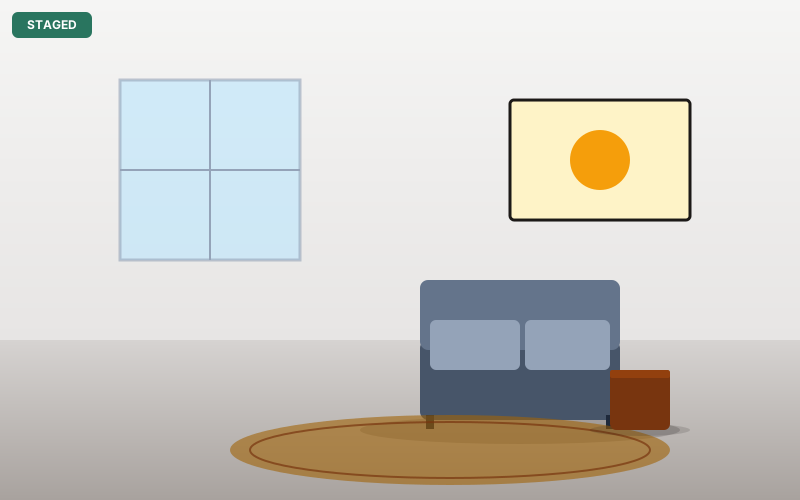
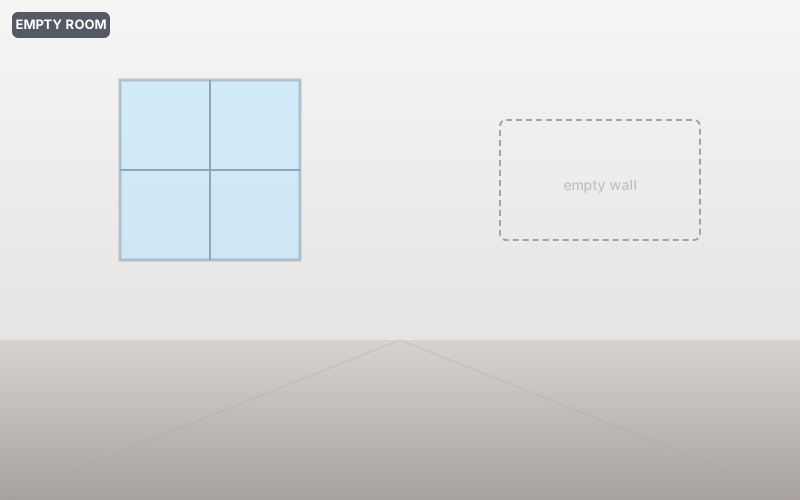
Upload furniture photos — AI removes backgrounds and places them in your room
How it works
Upload your room
Drop any empty room photo — living room, bedroom, office, dining room. JPG, PNG, WebP all supported.
Add furniture items
Upload photos of furniture, décor, or plants. AI removes backgrounds from each item automatically.
Stage and export
Drag furniture into position, resize, and layer items. Export as a high-quality PNG when satisfied.
Who uses virtual staging
Real estate agents
Stage vacant listings to sell faster and command higher offers — without renting physical furniture.
Property developers
Visualize new-build interiors for marketing materials before furniture is delivered.
Airbnb hosts
Preview different furniture arrangements before committing to expensive purchases.
Interior designers
Present design concepts to clients with photorealistic furniture placement mockups.
Home sellers (FSBO)
Stage and photograph your own home without hiring a professional staging company.
Property managers
Create furnished listing photos from empty units for rental marketing.
Frequently asked questions
Is this tool really free?
Yes, completely free. No account required, no watermarks, no usage limits. All AI processing runs in your browser.
What room types does it work for?
Any room: living rooms, bedrooms, kitchens, dining rooms, offices, patios. Upload any photo of an empty space.
What furniture sources can I use?
Upload any photo of furniture from any source. The AI will remove the background automatically, leaving just the furniture item for placement.
How large can the output be?
The output matches your room photo resolution. For best results, use room photos at least 1920×1080 pixels.
Is my data private?
Yes — all AI background removal and image processing runs entirely in your browser. No images are sent to any server.
Why it's different
AI-powered virtual staging without the virtual staging company fee — drag, drop furniture, AI removes backgrounds, and export as PNG. Entirely in your browser.
100% Private
Everything runs on your device using in-browser AI. Nothing is transmitted to any server — not the file, not metadata, not filenames.
True Alpha Channel
We export straight (non-premultiplied) alpha so transparent PNGs open with a real checkerboard in Photoshop and Figma — no black halos.
Free Forever
No paywall, no watermark, no premium tier. The full-quality AI is free, supported by non-intrusive ads.
Works Offline
Once loaded, the app and AI models cache locally. Process files without an internet connection. Installable as a desktop or mobile app.
Ready to try it?
Free, private, no signup. Professional staging results instantly.
Stage a room →